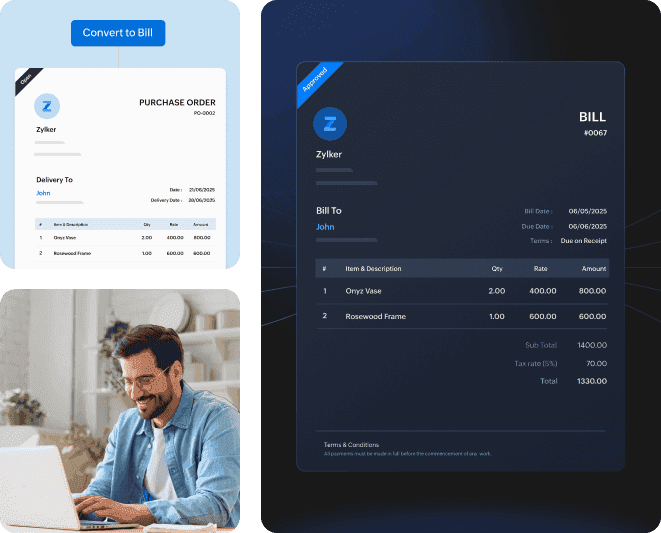
Automate creating bills for your purchases, never miss a vendor payment, and manage your refunds with vendor credits. Easily keep tabs on accounts payable and take control over your cash flow.
Pay on time, pay your way, pay just what you owe—no misses, no surprises.
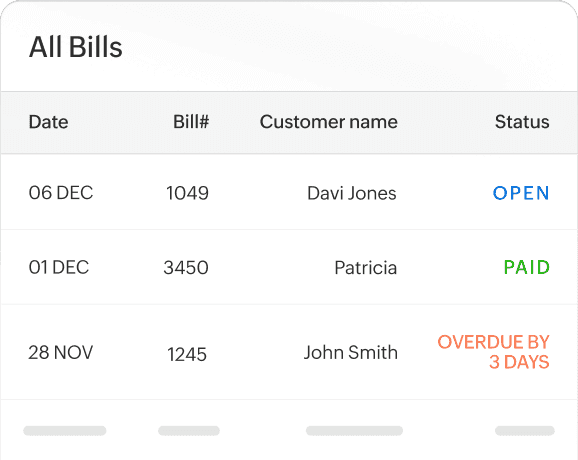
Quick overview of bill status
Check all your bill statuses to see what’s paid, unpaid, partially paid, or overdue. View the total and due amounts, and filter bills by category.
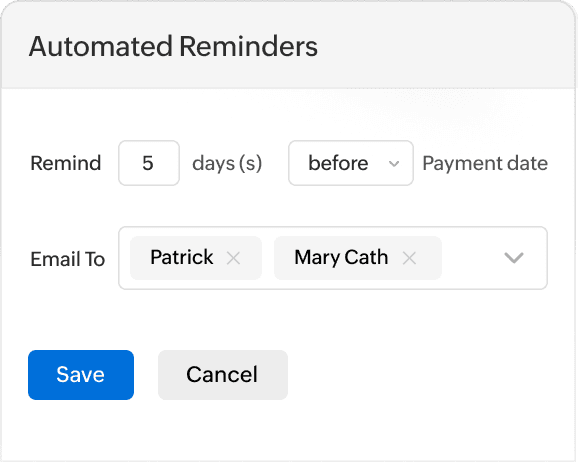
Get notified on bills due
Turn on email and in-app notification to alert you to upcoming bill due dates.
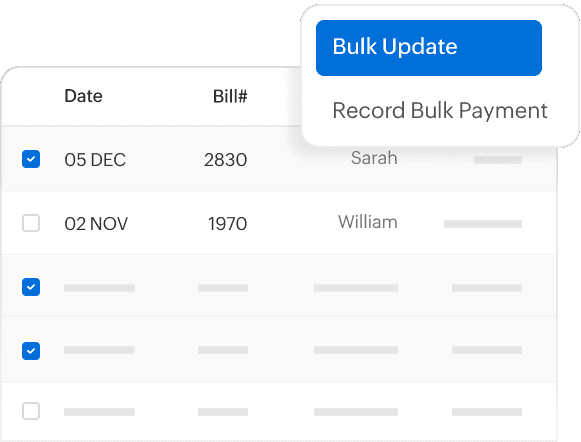
Partial and bulk update
Easily manage your bills in bulk, record payments at once, or make partial and full payments across multiple bills.
More features to simplify accounting
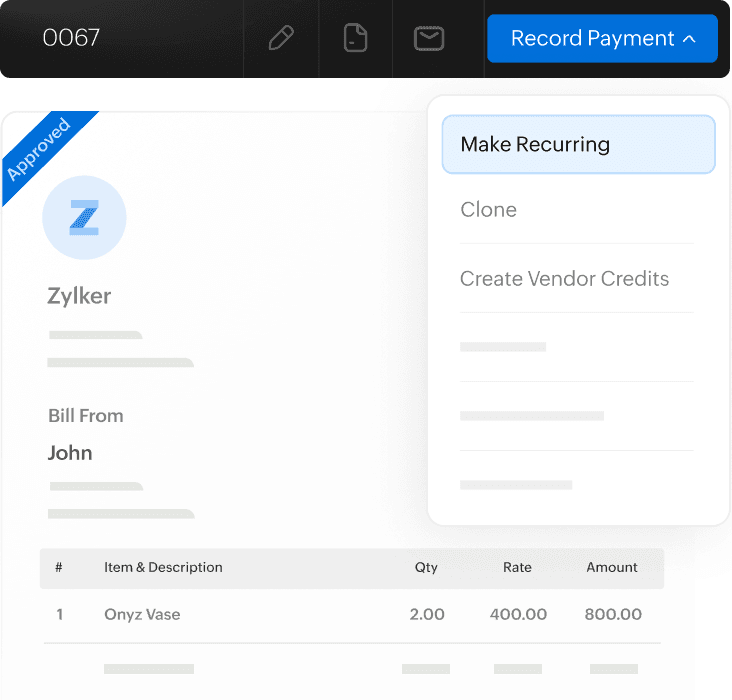
Recurring bills for recurring payments
Automate bill creation for regular purchases by setting up recurring bills for these transactions. Save time and avoid late payments.
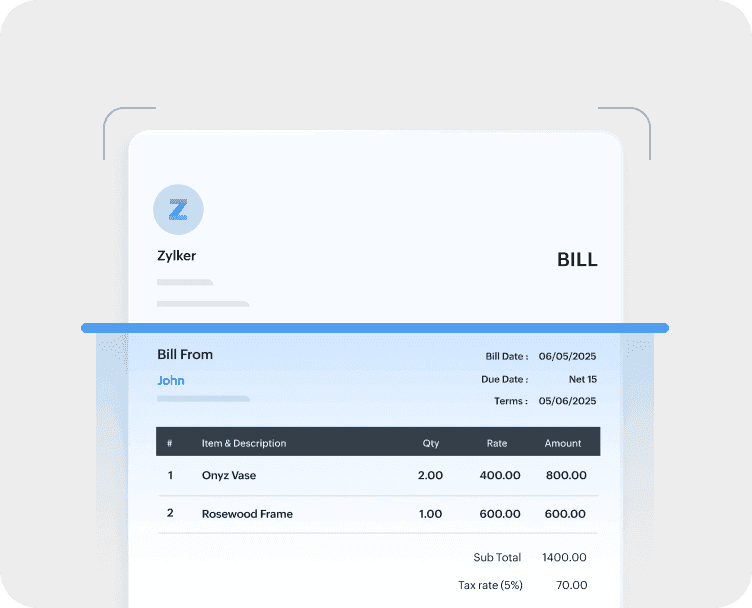
Auto scan documents
Use Zoho Books advanced autoscan to extract information from document line items with enhanced accuracy speeding up the bill creation process. Autoscan is supported in 15 languages.
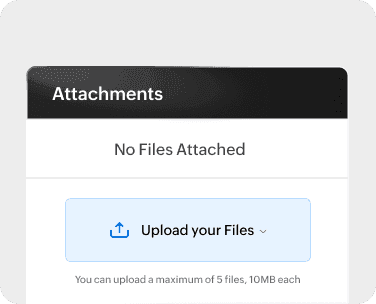
Attach documents to bills
Quickly attach and reference supporting documents directly from the bills you create, such as vendor invoices, purchase orders, bank statements, checks, receipts, regulatory documents, correspondence, or quality control reports.