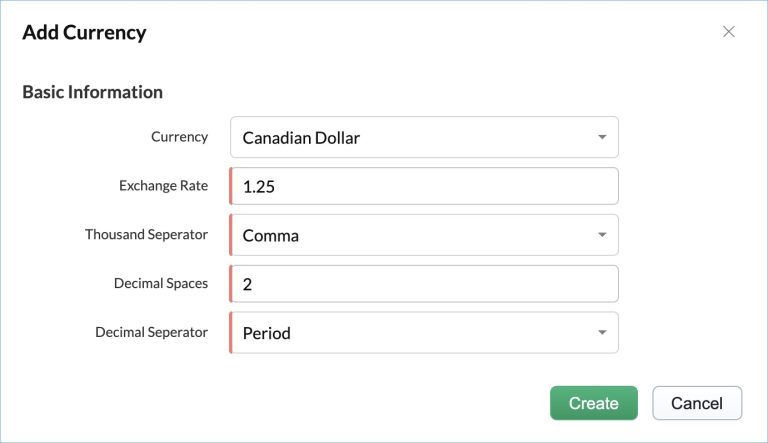
Manage multiple currencies in Zoho FSM Summary In addition to the currency chosen during the initial setup, you can add other currencies. To do so:Navigate to Setup > General > Currency and click Add Currency.In the Add Currency overlay, enter the required details and click Create. Once multiple currencies are added, the option to choose the required currency will be available while creating Contacts, Work Orders, and more. Zoho FSM Request Support