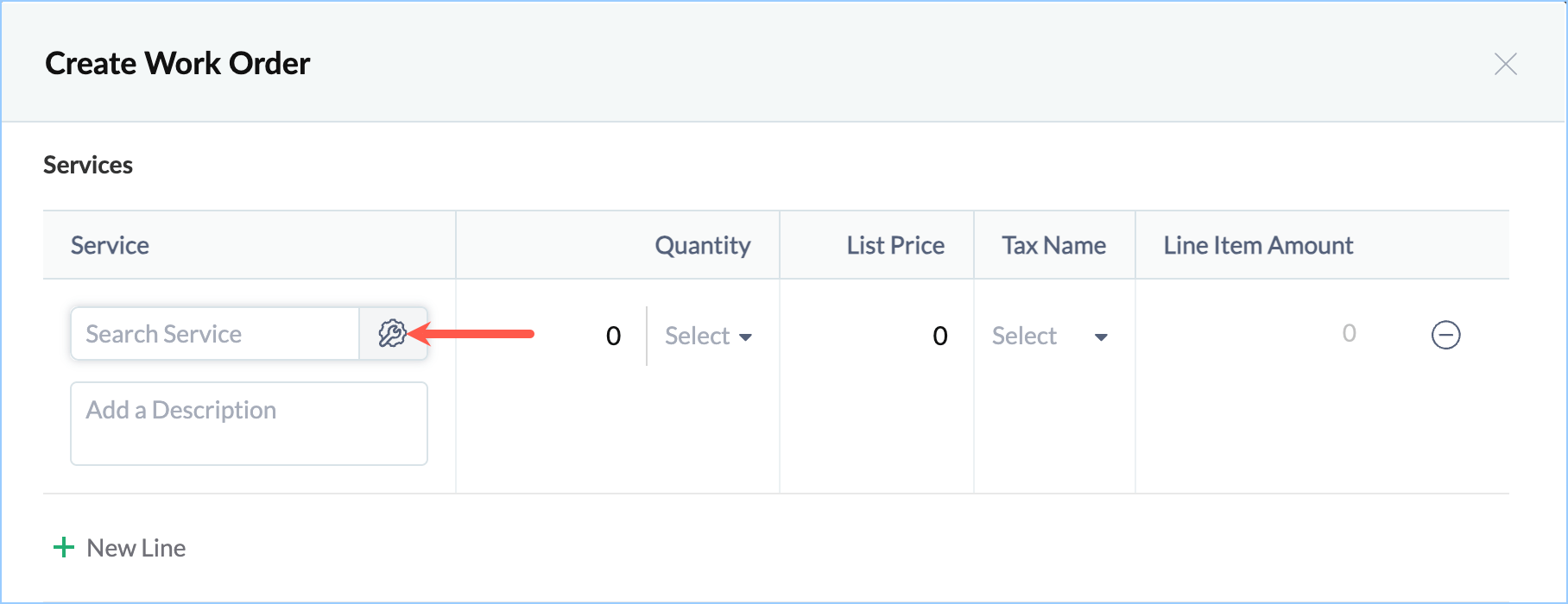
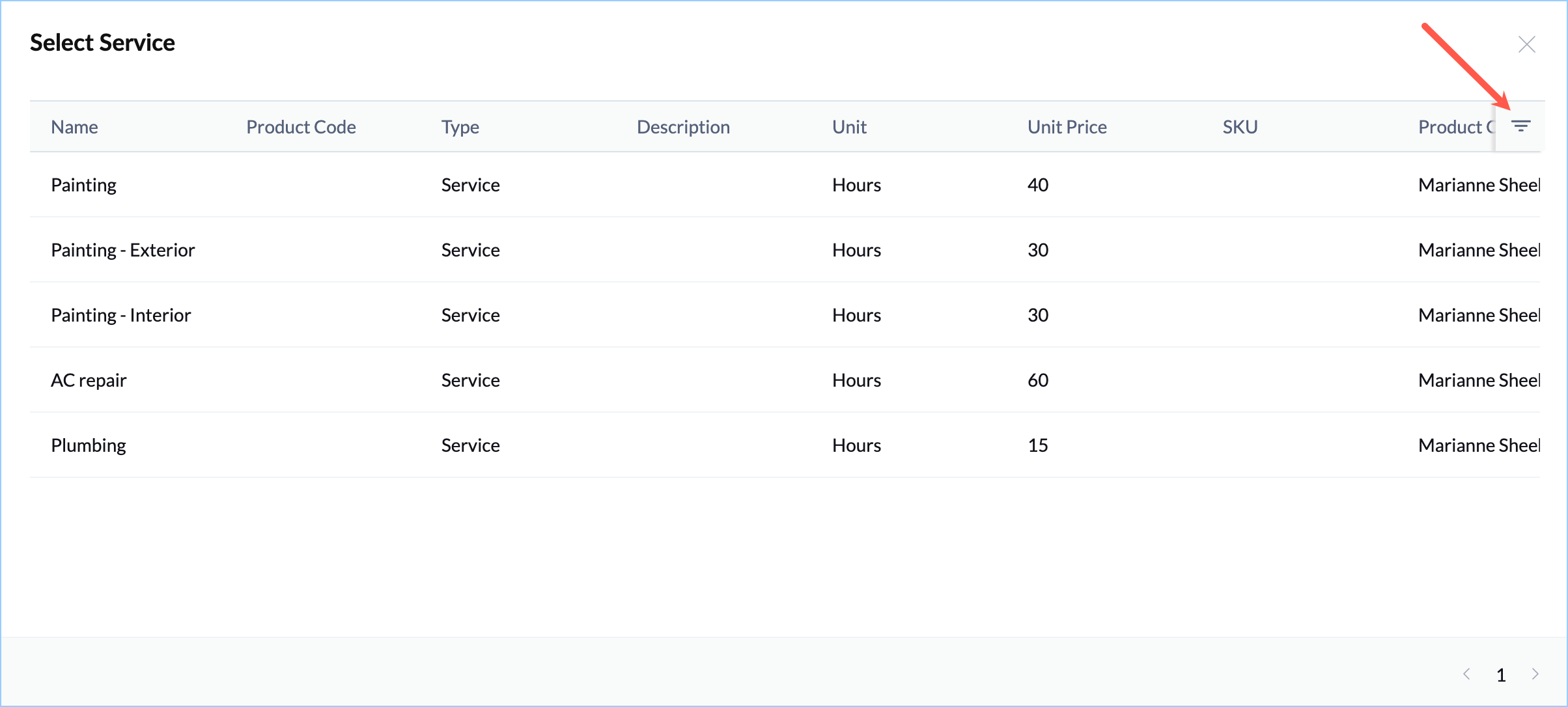
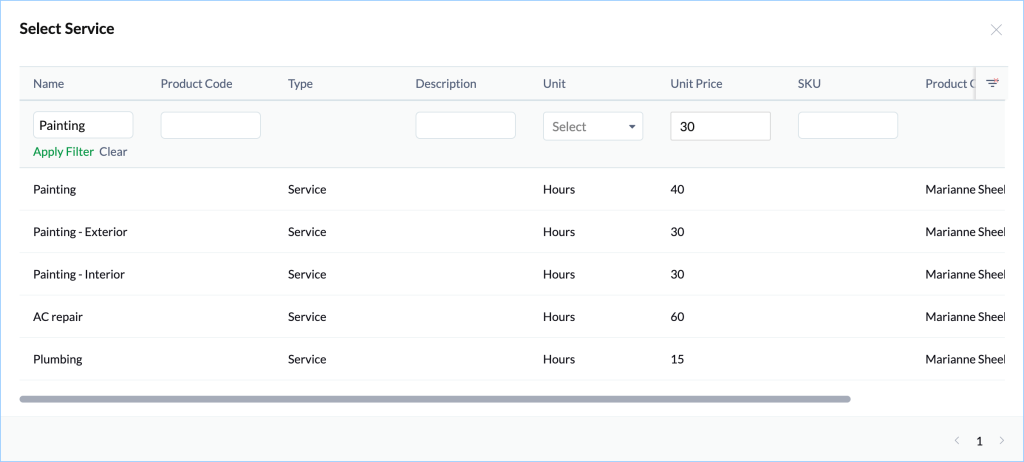
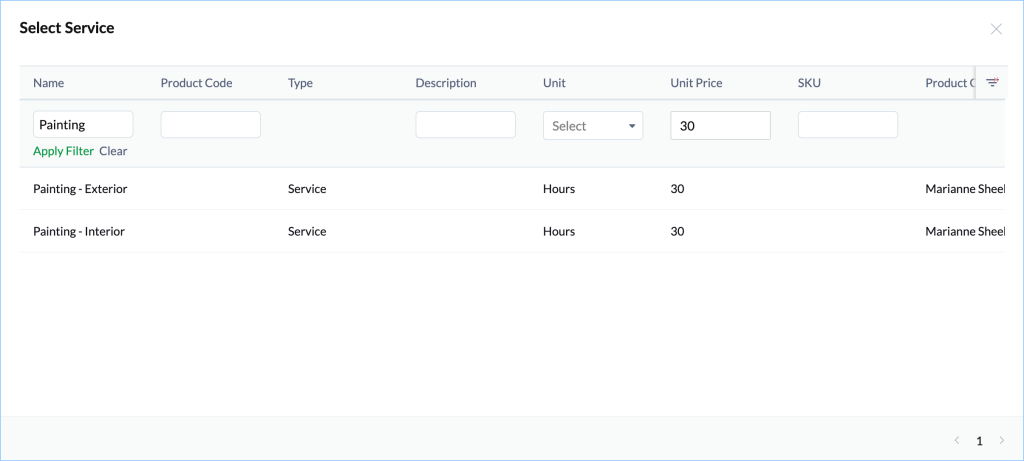
Advanced Lookup Search in Zoho FSM Summary In the lookup fields for service and part line items, you can perform a search for the lookup value using multiple fields.To perform the search:Click on the lookup field for service and part line item. Click on the filter icon. Enter the search values and click Apply Filter. The matching results will be displayed in the list below. Zoho FSM Request Support