How to Close Work Orders in Zoho FSM (Field Service Management)
Resolution
When all the activities related to a work order have been completed, then the work order can be closed. When a work order is closed, the status of the work order changes to Closed.
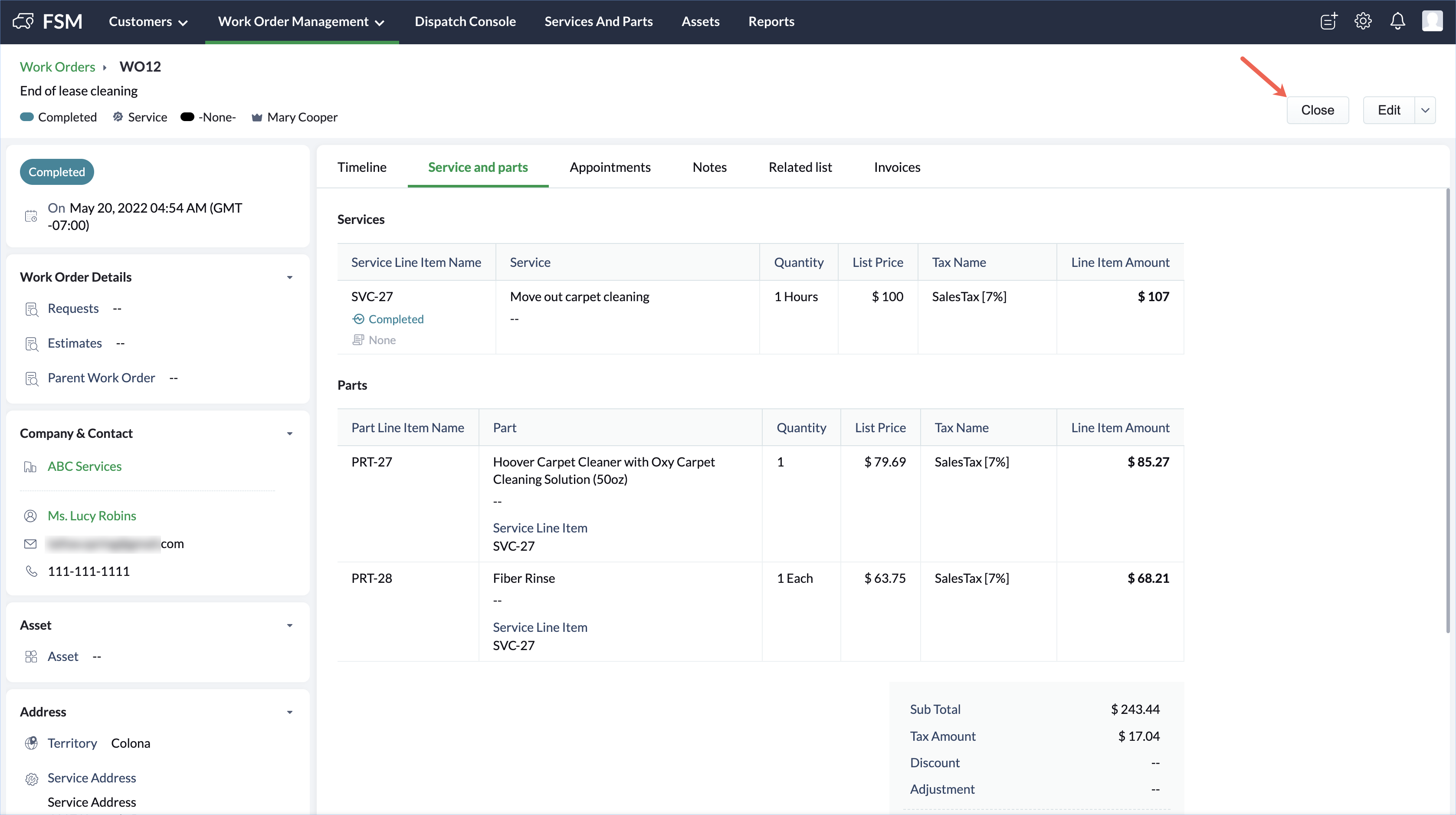
To close a work order:
Select Work Orders from the Work Order Management menu.
Click the work order you want to close and in the Work Order details page, click Close.