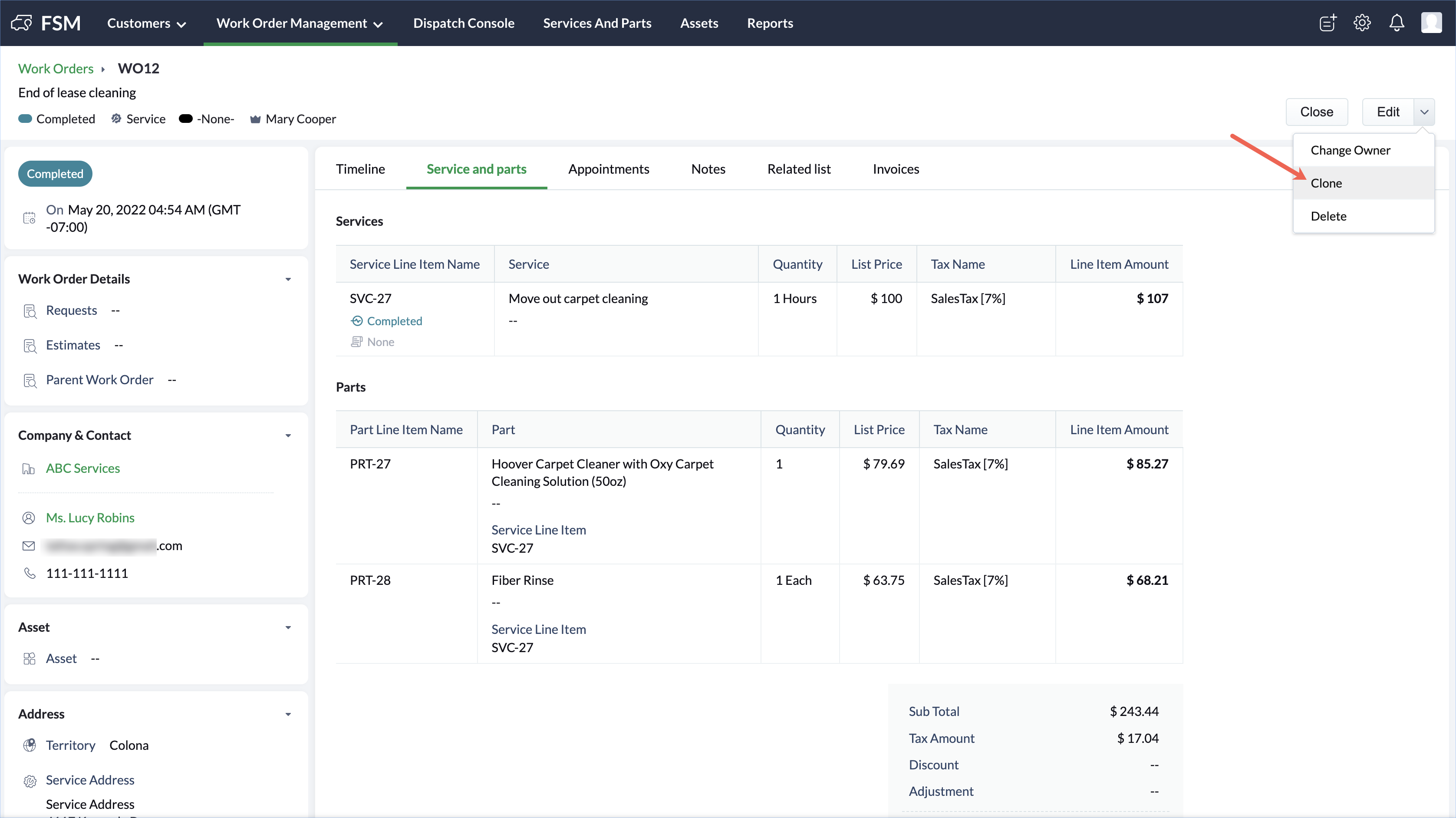
Clone Work Orders in Zoho FSM Resolution You can easily create a work order by replicating the details of another work order using the cloning feature. To clone a work order:Select Work Orders from the Work Order Management menu.Click the work order you want to clone and in the Work Order details page, click Clone. Click Save after making any changes.All the details from the source work order will be prefilled. Zoho FSM Request Support