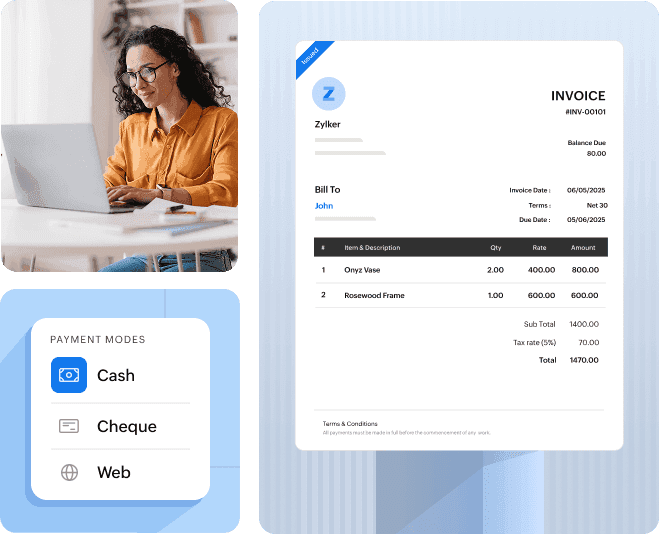
Zoho Books’ invoicing feature allows you to create and send professional invoices to your customers in few clicks. Ensure you receive payments on time with automated payment reminders and maintain a steady cash flow.
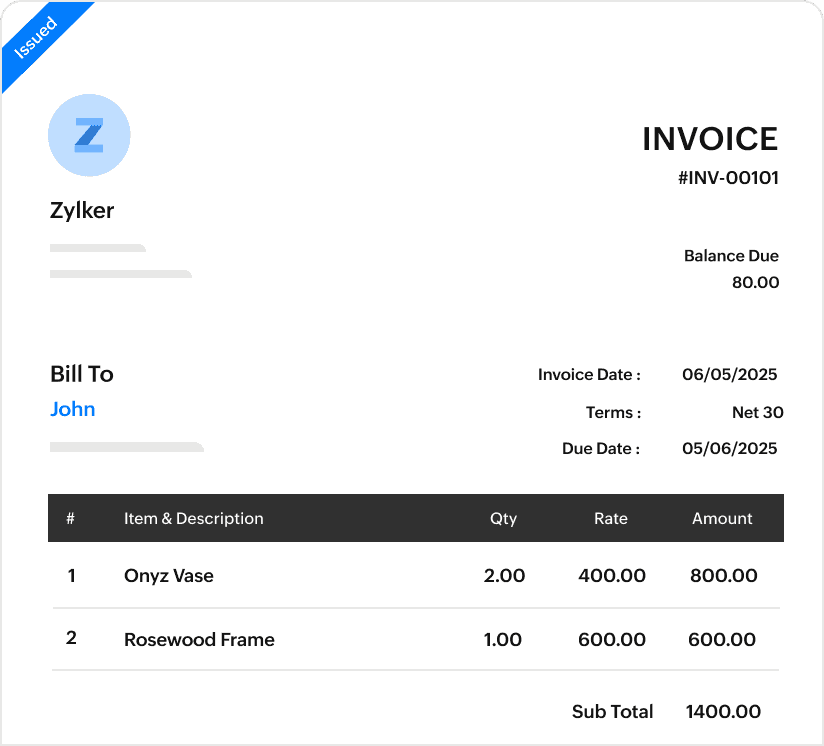
Send invoices that make your customers pay. Personalize and customize invoice templates to reflect your brand by adding your logo, colors etc.
Minimize invoicing errors
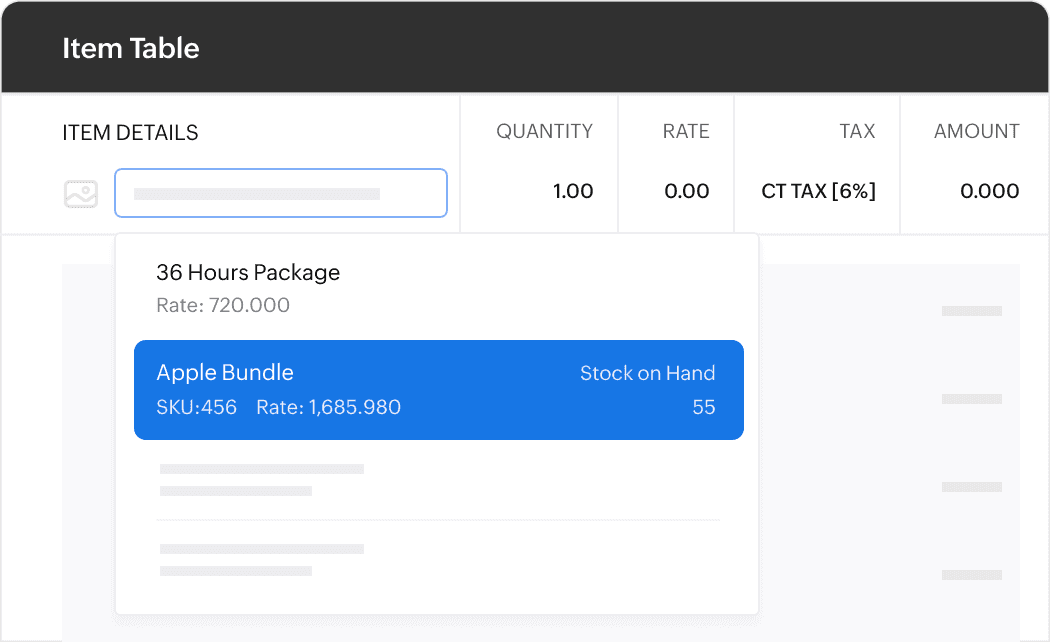
Create invoices easily by selecting items from your preconfigured list. Corresponding taxes are auto applied, thereby saving you from manual errors.
Payment reminders
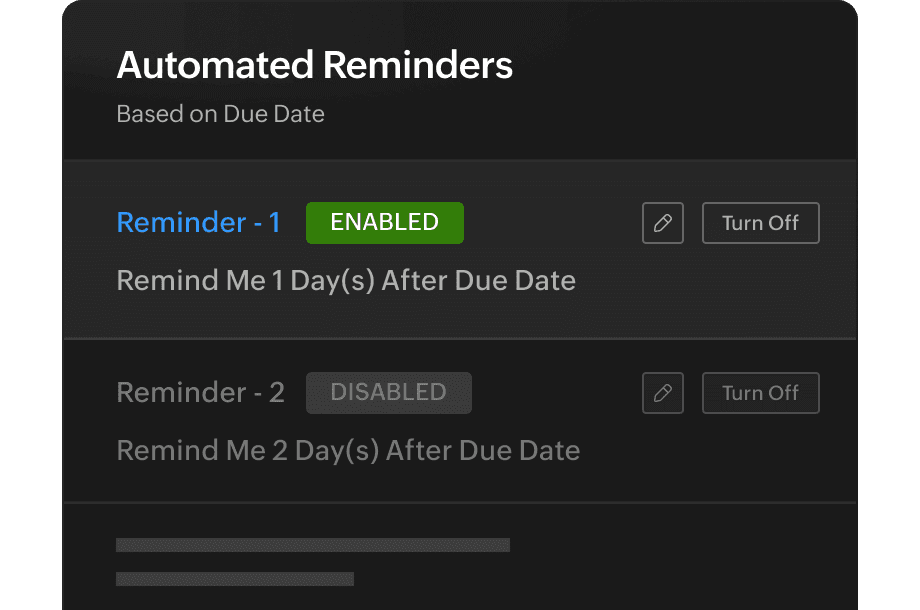
Set up reminders for your clients based on the invoice due date. You never have to chase a customer payment again and let the system take care of it.
Recurring invoices
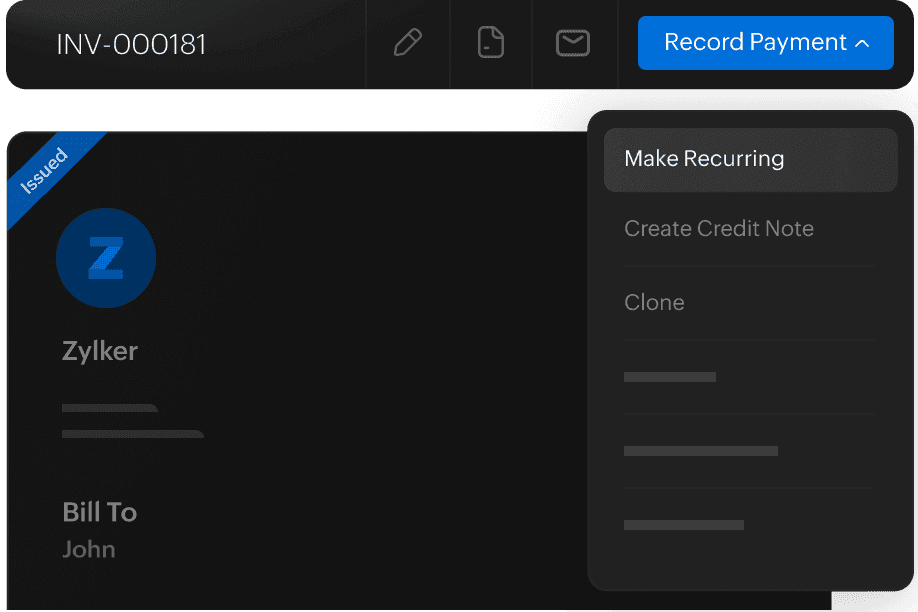
Handle routine sales like a pro by sending invoices automatically to your loyal customers. You also have the option to auto charge them for these invoices.
Handle multiple currencies
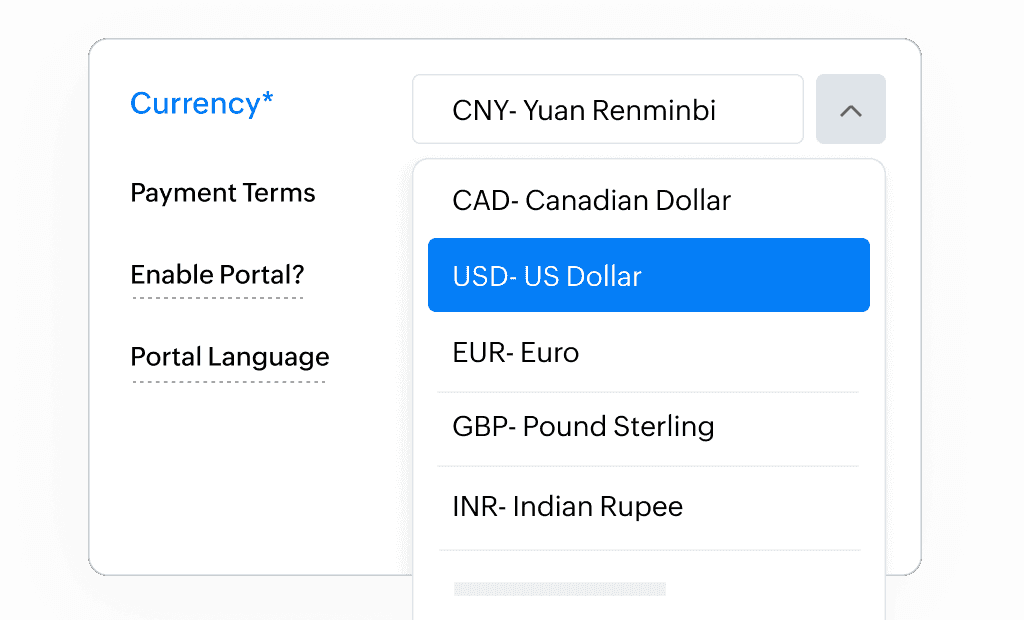
Going global? The multi-currency feature in Zoho Books allows you to send invoices in your customer’s currency and records the transaction in your currency after auto-applying the exchange rate.