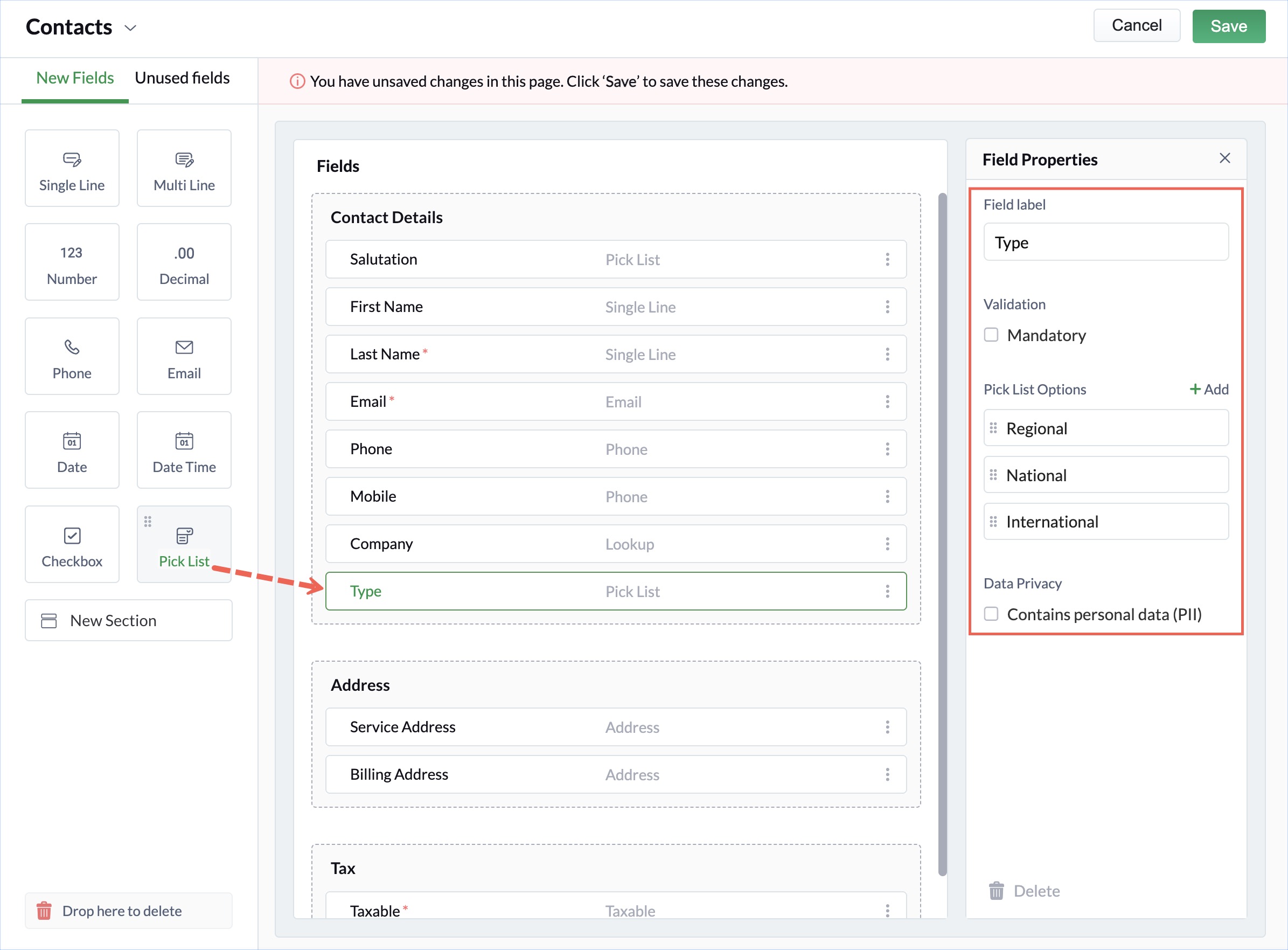
Pick Lists in Zoho FSM Summary You can define the following properties for a Pick List field:Field label: A name for the fieldDuplicate field labels will not be allowed.Mandatory: Mark the field as requiredPick list Options: Values of the pick list.While adding a new pick list field, click Add to add the values and to remove the value.Contains personal data (PII): To designate the field as one having Personally Identifiable Information like mailing address, or SSNSpecial characters (except @, $, %, &) will not be allowed in this field. You can perform the following actions on a pick list:Click +Add to add new valuesYou can edit the existing valuesClick the Delete icon to remove a value.Click the left of a field to reorder the pick list values. Zoho FSM Request Support