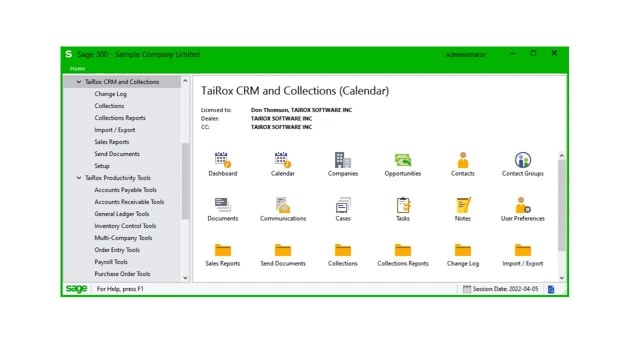
TaiRox View Assignments on CRM's Dashboard and Calendar
Learn what you need to do for the day
CRM and Collections’ Dashboard and Calendar show you what you need to do today.
They display all opportunities, cases, tasks, overdue invoices, disputed invoices, and promised payments that have a revisit date and time for the current day, week, or month.
You can view your own assignments or view ALL assignments that you have permission to view. Use the Dashboard and Calendar to schedule unassigned cases or tasks to users — or to open and claim the next unassigned case or task from today’s list.
Double-click to drill down to all item information – and click the Company Name inquiry button to view all customer data.