
Mail Merge
For Sage 300
TaiRox’s mail merge creates mail-merge documents directly from Sage 300. It simplifies operation by eliminating export and data source setup.
What is TaiRox Mail Merge?
TaiRox’s Mail Merge integrates Sage 300 with Microsoft Word’s mail merge function. Mail Merge merges ACTIVE instead of 1, calculated fields. This tool eliminates guesswork by providing meaningful field names.
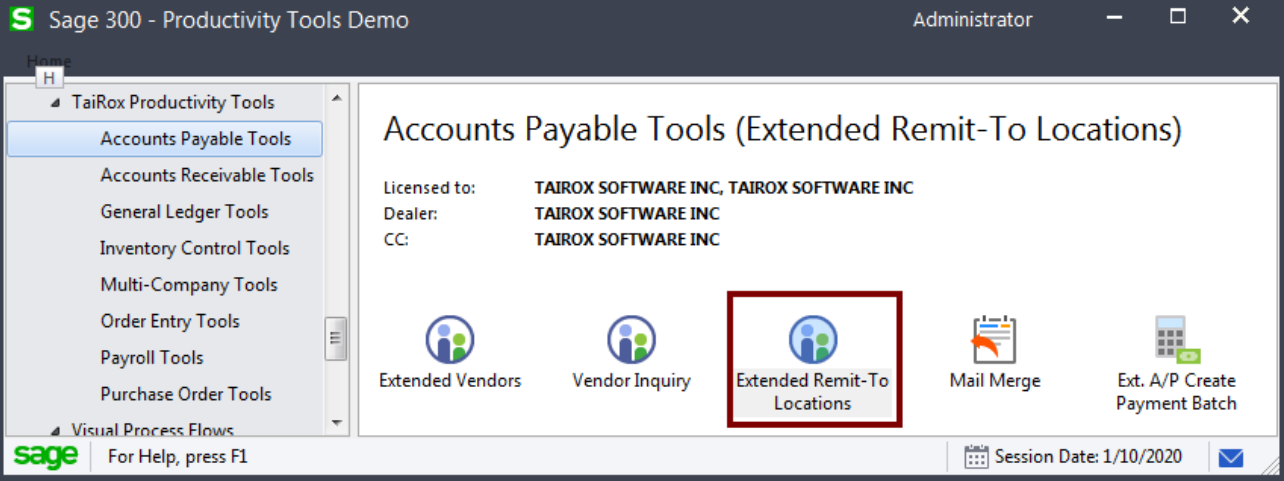
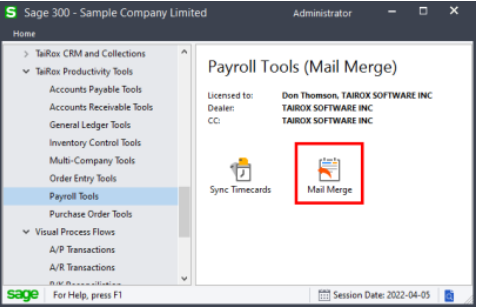
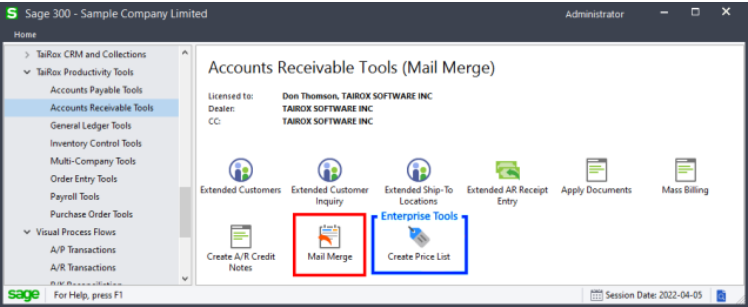
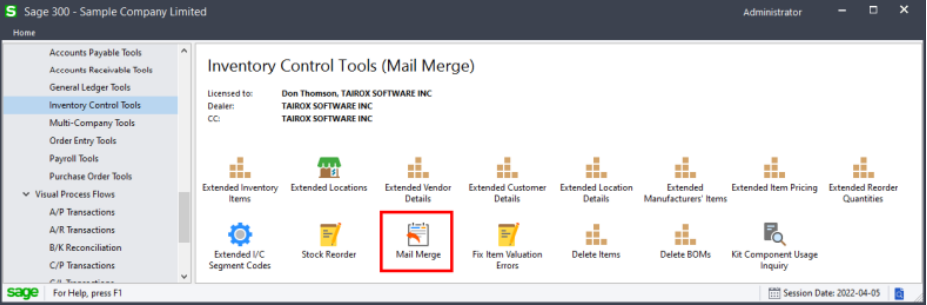
Mail Merge is designed for the production of merge documents from Sage 300, and is integrated with AP vendors, AR customers, IC items and US and Canadian Payroll employees. It eliminates the need to export data from Sage 300, manually manipulate that data, and to define the resulting file as a Microsoft Word “data source”.
Mail Merge allows you to:
Perform the mail merge operation from the Sage 300 desktop
Specify a number of print options for the merge documents, such as data formatting and blank line suppression
Select Range of vendors, customers, items or employees using ranges of up to seven fields. Selects ranges with the same mechanisms used by core modules when printing reports.
Specify additional criteria for record selection.
Specify the vendors, customers, items or employees by importing an Excel spreadsheet list.
“Cherry-pick” records for generating merge documents from the selected set of vendors, customers, items, or employees.
Click the Mail Merge button to complete the document merge operation for all included records in one step.
View a log of all document merges after processing.