
Sage 300 Customer List Screen
The Customer List Screen in Accounts Receivable module allows the user to view Customer related information detailing a list of both customer master and related records.
To open the screen open Accounts Receivable > AR Customer > Customer List.
The below screen will appear.
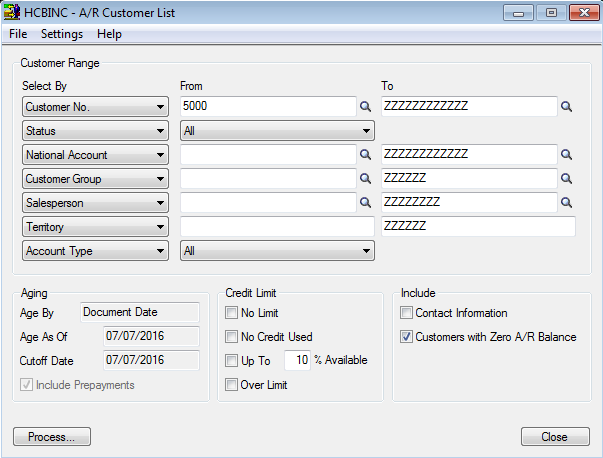
Here you can filter Customer’s records based on the criteria specified in the image above above. Alternatively you can leave all the filters blank to pull a complete list of your customers.
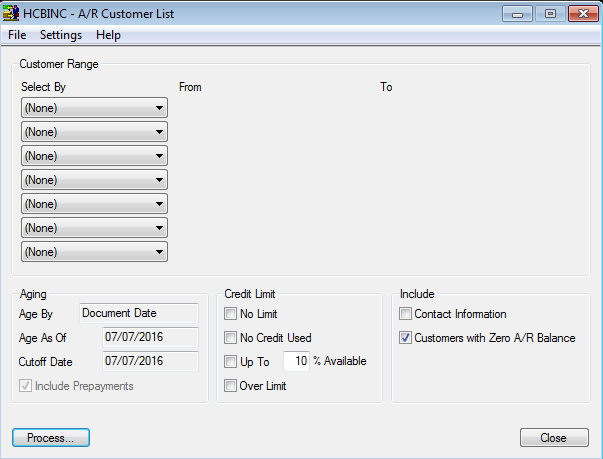
Once you’ve specified your filters click the Process button. This will take you to the results of you filtered search in the Customer List Preview screen.

To select a customer from the Preview double click on the corresponding line. This will open the Customer Record via the Customer Inquiry function.

You can save your selection criteria and other settings to reuse as the default filter the next time you use the Customer List search function.