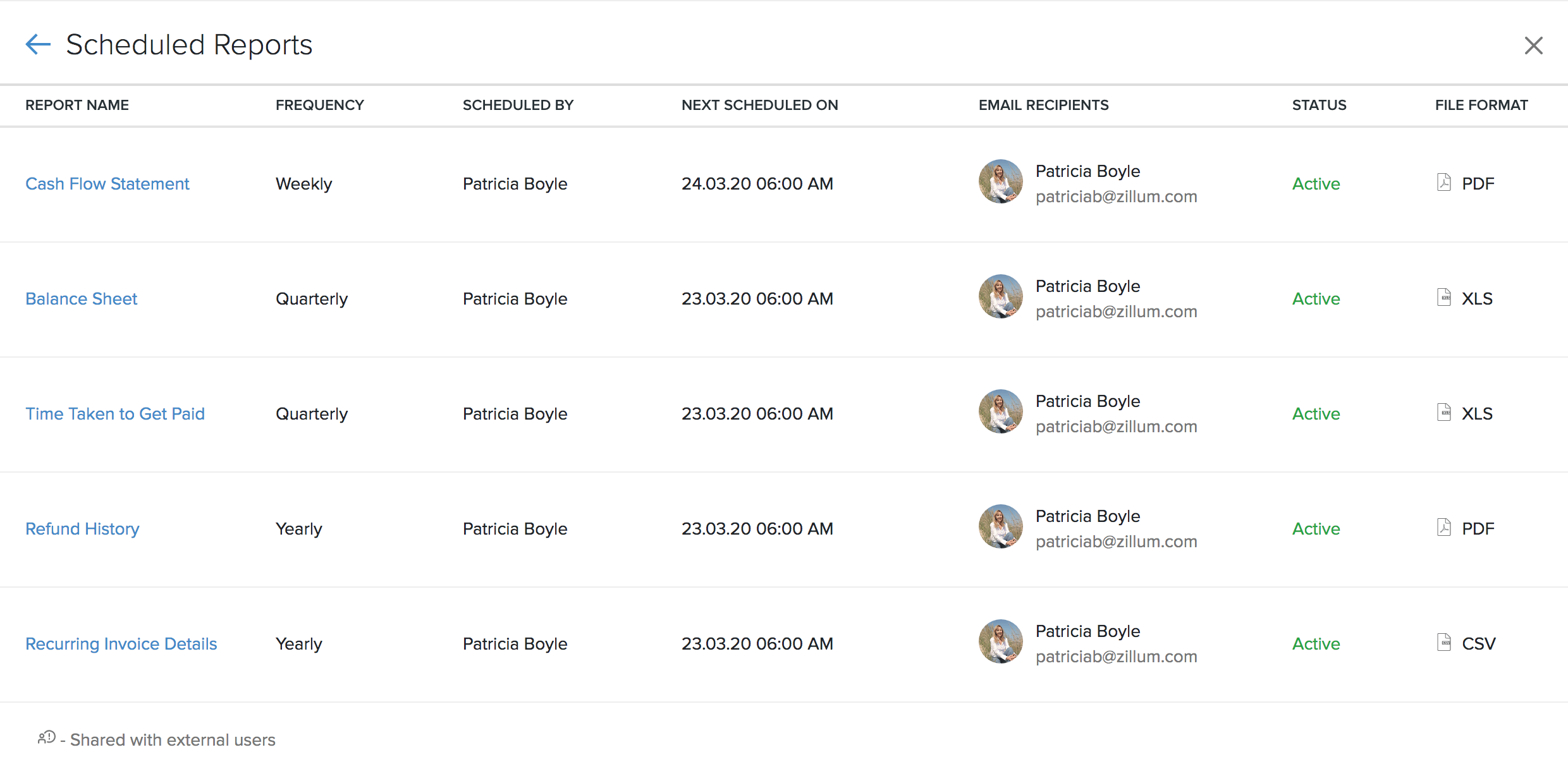
Zoho Books lists all the reports you’ve scheduled, for your reference. You can keep track and view the details of them in our dedicated Scheduled Reports page.
It details the frequency of your scheduled report, the user who scheduled the report, the email recipients, the status of your report, the date when your next report is due and the file format chosen.
Resolution
Prerequisite: Only the admins and the users who have full access to all the reports can view scheduled reports.