Click Settings on the top right corner of the page.
Click Taxes under Taxes & Compliance.
In the Taxes pane, click Tax Rates.
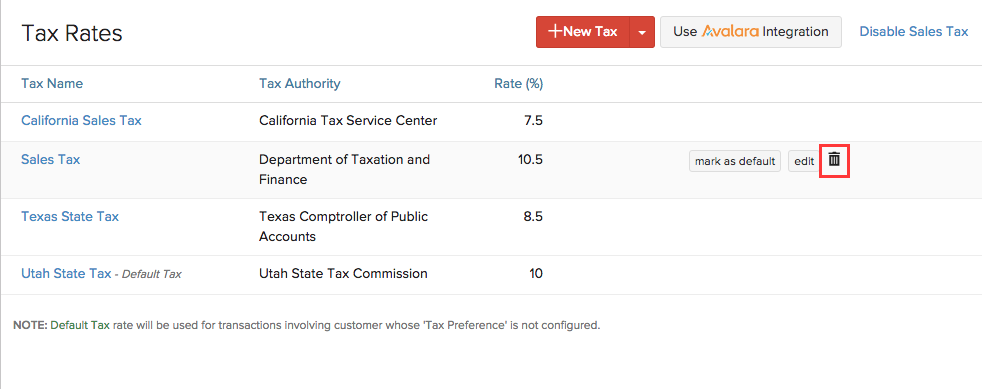
Scroll over the desired tax row and click on the trash bin icon which appears. Confirmation pop-up screen will double check your intention. Click to OK to Delete or Cancel to skip.