How to Create Custom Reports in Zoho Books
Resolution
Note: This feature is available only for certain plans of Zoho Books. Visit the pricing page to check if it’s available in your current plan. This feature is only available in Profit and Loss and Balance Sheet reports.
To create a custom report from an existing report:
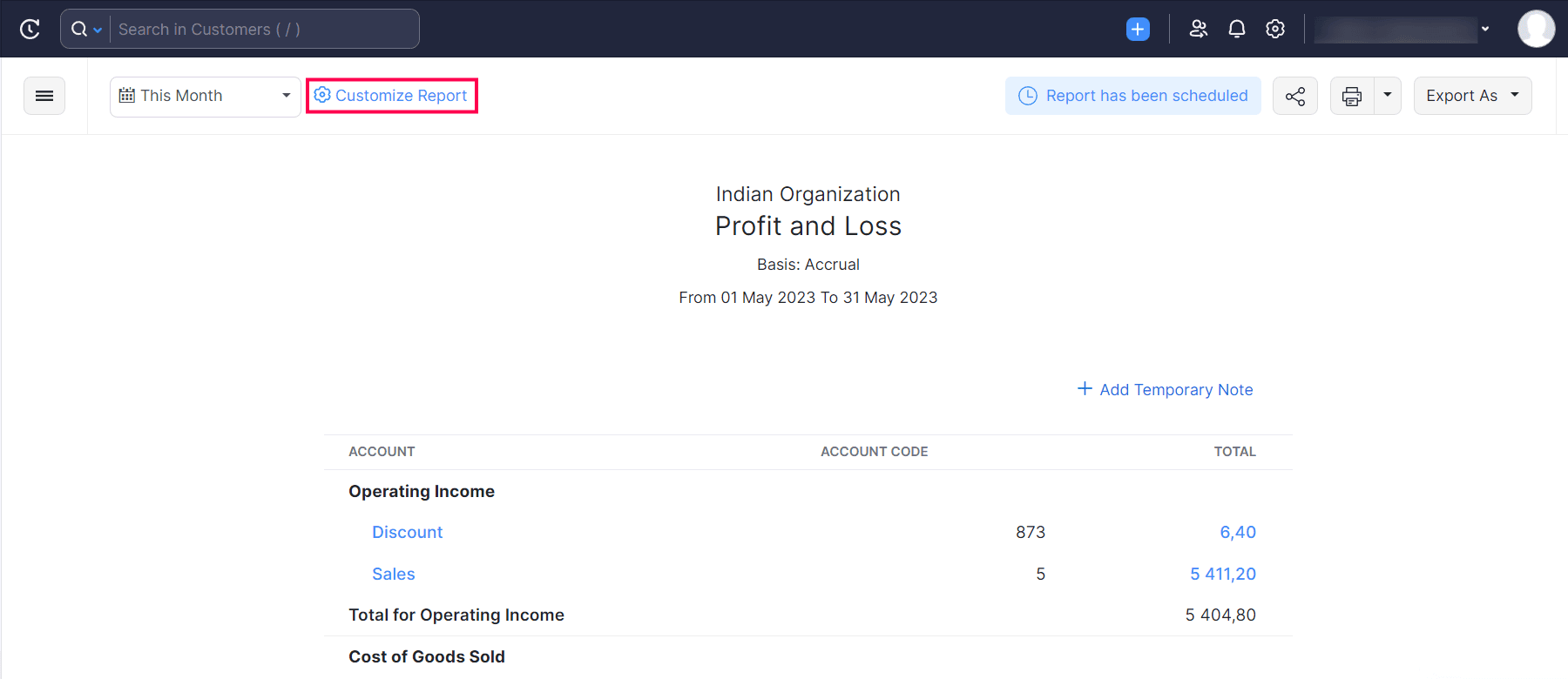
- Go to Reports and select the report you want to customize.
- Click Customize Report.
You will be redirected to the General section.
In the General section, you can customize your report based on the following filters:
|
Filters
|
Description
|
|---|---|
|
Date Range |
Generate the report for a specific week, month, quarter, or year or set a custom duration of your own. |
|
Report Basis |
Select the method of accounting to be displayed in your report: |
|
Filter Accounts |
Filter accounts that you’d like to include. This can be: |
|
Compare With |
Compare the report with previous periods, months, quarters, or years. |
|
Advanced Filters |
Filter your report based on projects, reporting tags, and branches.
|
After configuring the above filters, click Next to go to the Show/Hide Columns section.