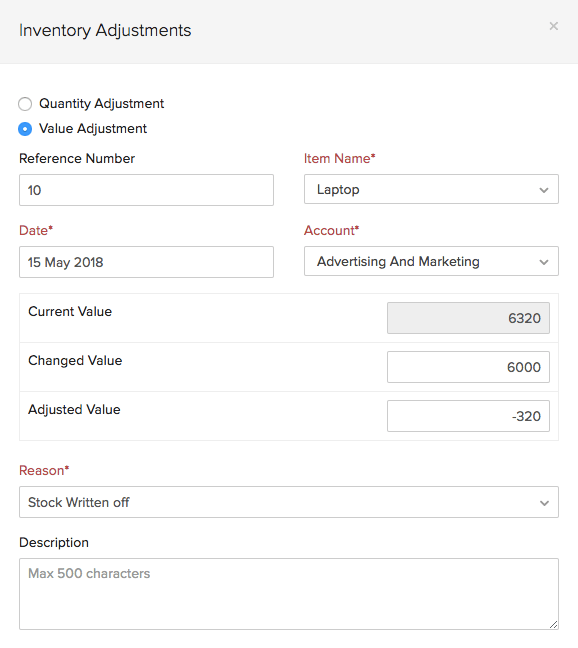
How to Create an Inventory Adjustment in Zoho Books Resolution To create an inventory adjustment in Zoho Books:Go to Items > Inventory Adjustments.Click + Make an Adjustment.Select Quantity Adjustment or Value Adjustment as per your requirement.Select the Account in which you would like to track the adjustments and the Reason for making the inventory adjustment.Click Save. Note: Fields in red are mandatory, others are optional. Zoho Books Request Support