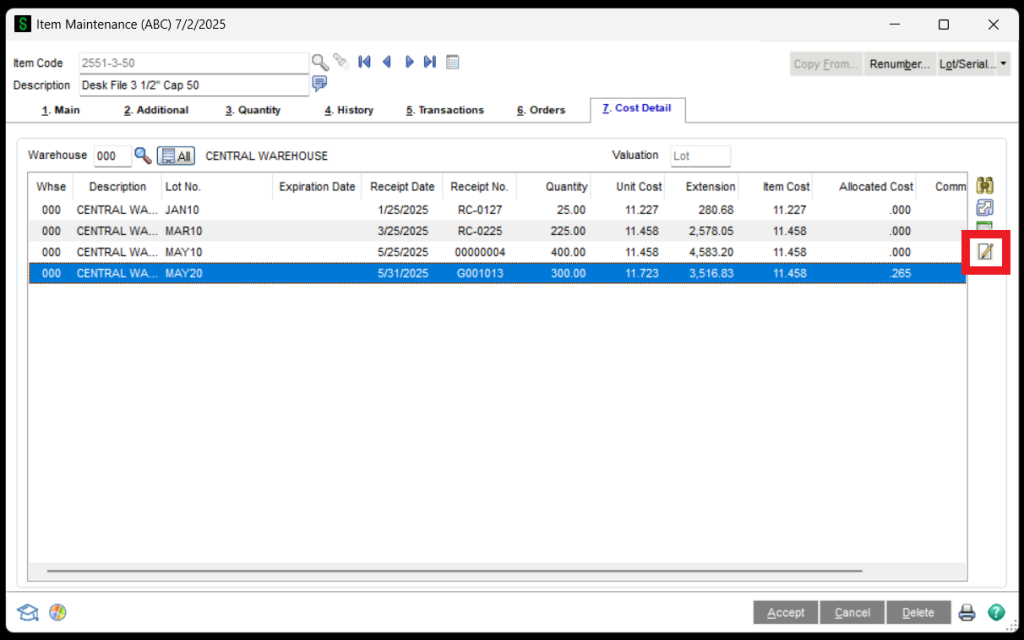
How to Change the Serial or Lot Expiration Date in Sage 100 Go to the Sage 100 Inventory Management Module / Main / Item MaintenanceSelect the Item CodeClick on the Cost Detail TabSelect the LOT or Serial NumberClick on Change LOT/Serial Expiration Date Button 6. In the Change Lot/Serial Expiration Date window, enter the new expiration date. Sage 100 Request Support