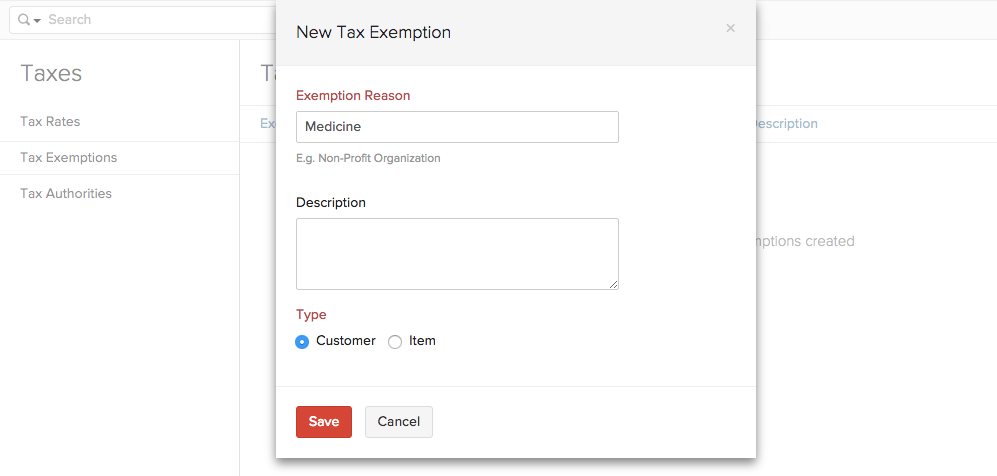
There might be situations where you are exempt from paying taxes because of the item or the customer to whom you are selling the product. For example, the sale of medicines is exempt from sales tax in New Jersey.
To create a Tax Exemption, follow the steps below:
Click Settings on the top right corner of the page. Click Taxes under Taxes & Compliance. In the Taxes pane, click Tax Rates. Click on the + New Tax Exemption button. Provide a Exemption Reason and enter a short description if necessary. Select the basis of the tax exemption by choosing either Customer or Item under Type. Click Save to add the new tax exemption.