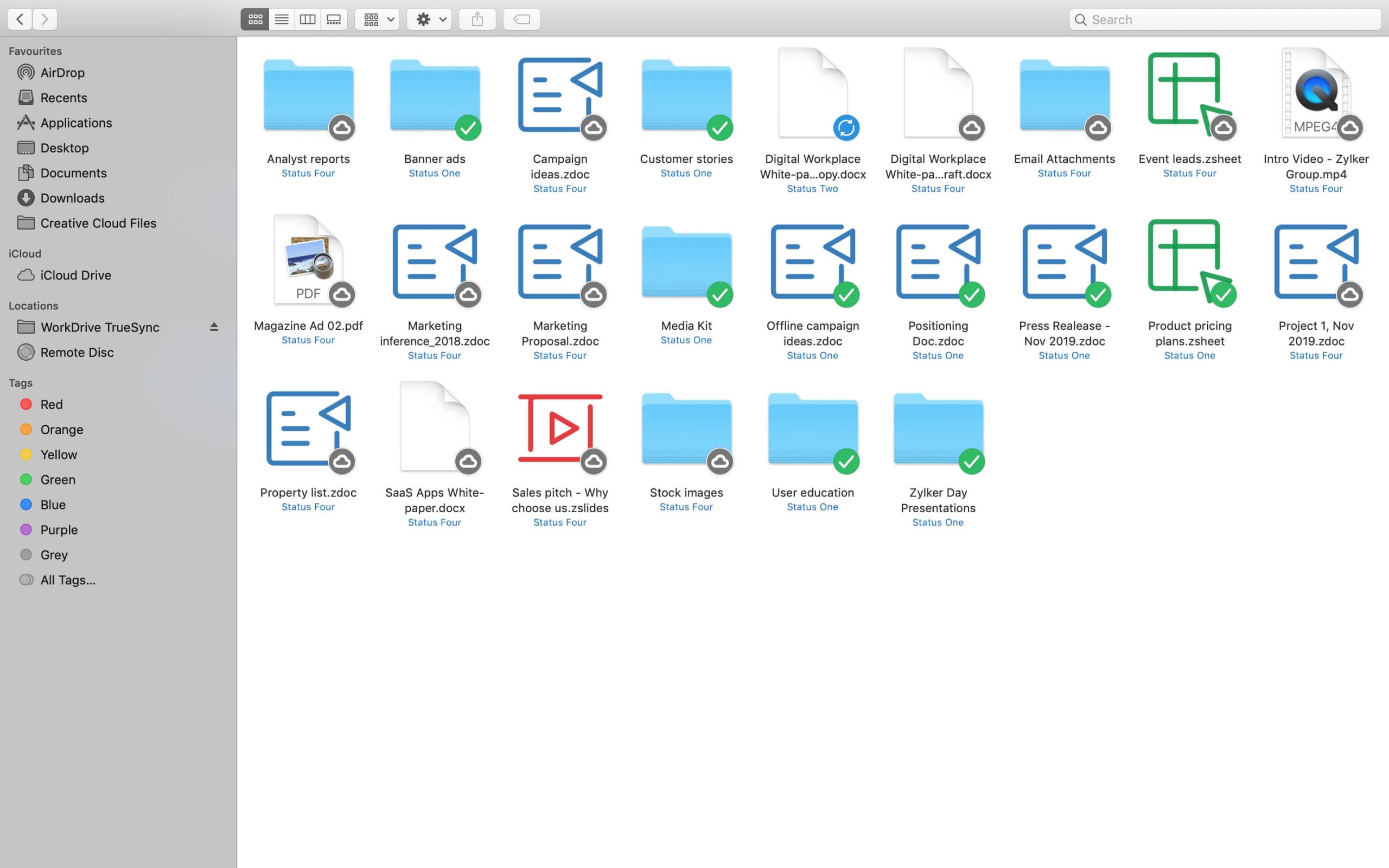
Give your desktop the power of the cloud. Explore all your WorkDrive files and folders directly from your desktop, without using up space in your hard drive, with TrueSync.
The stress of hard drive space limiting your work is an outdated issue. TrueSync offers the flexibility to work on any file, no matter the size, directly from your desktop.
Work now. Save later.
Make files available offline and maintain your work flow, even during network disruptions. Your files will be updated in the cloud automatically once the network connection is restored.
Easy accessibility
TrueSync creates a mirror of all your WorkDrive files and folders on your desktop so you can seamlessly switch between the cloud and your computer. You can access your files locally and make changes without using up your hard drive space.
Collaborate from within
Working together with your team from the familiar space of your desktop is now possible. Create a collaborative environment by sharing files and folders from your desktop with a click.
Find your synced files faster
There’s no need to sift through a stack of synchronised documents to find the right file. Search for files and folders from the TrueSync app on your PC and instantly access the data you need.
Sync multiple accounts
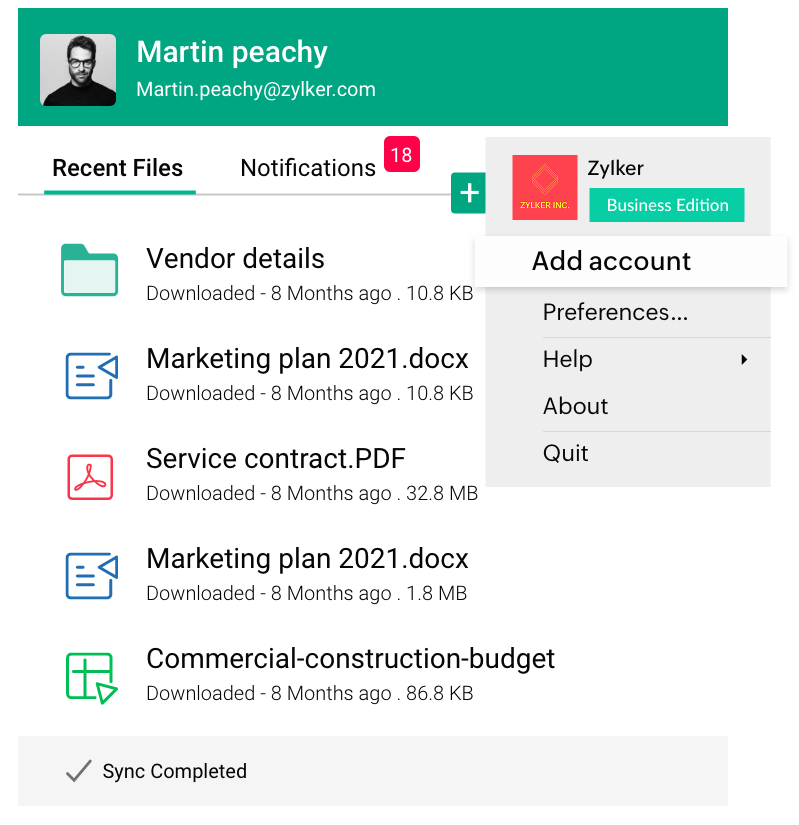
Do you have two or more WorkDrive accounts to sync? TrueSync now allows you to sync multiple accounts to your computer. Create separate repositories for each account.
Experience seamless file sharing
Save time when sharing a file or folder outside your organization. Create external share links right from your desktop with TrueSync.
Always in sync
Select files to be available offline on your desktop (Windows or MAC) so you can keep working even when not connected to the internet by choosing files to be available offline. WorkDrive’s TrueSync automatically syncs all your changes the next time you go online, ensuring no effort is lost.
Upload bulk files faster
Whether you're working with large files or a large number of files, TrueSync is now optimized to handle all types of data efficiently. Experience seamless uploads, even for bulk files and folders.
Keep up with the latest software updates
Concerned about the most recent OS updates? TrueSync is compatible with all the latest Windows versions, and up to MacOS Ventura.