How to Restore a file or folder from Trash in Zoho WorkDrive
Resolution
Navigate to the left pane and click My Folders. The My Folders window will appear on the right.
Click the Manage button next to My Folders at the top-left and choose Trash. The Trash folder will appear.
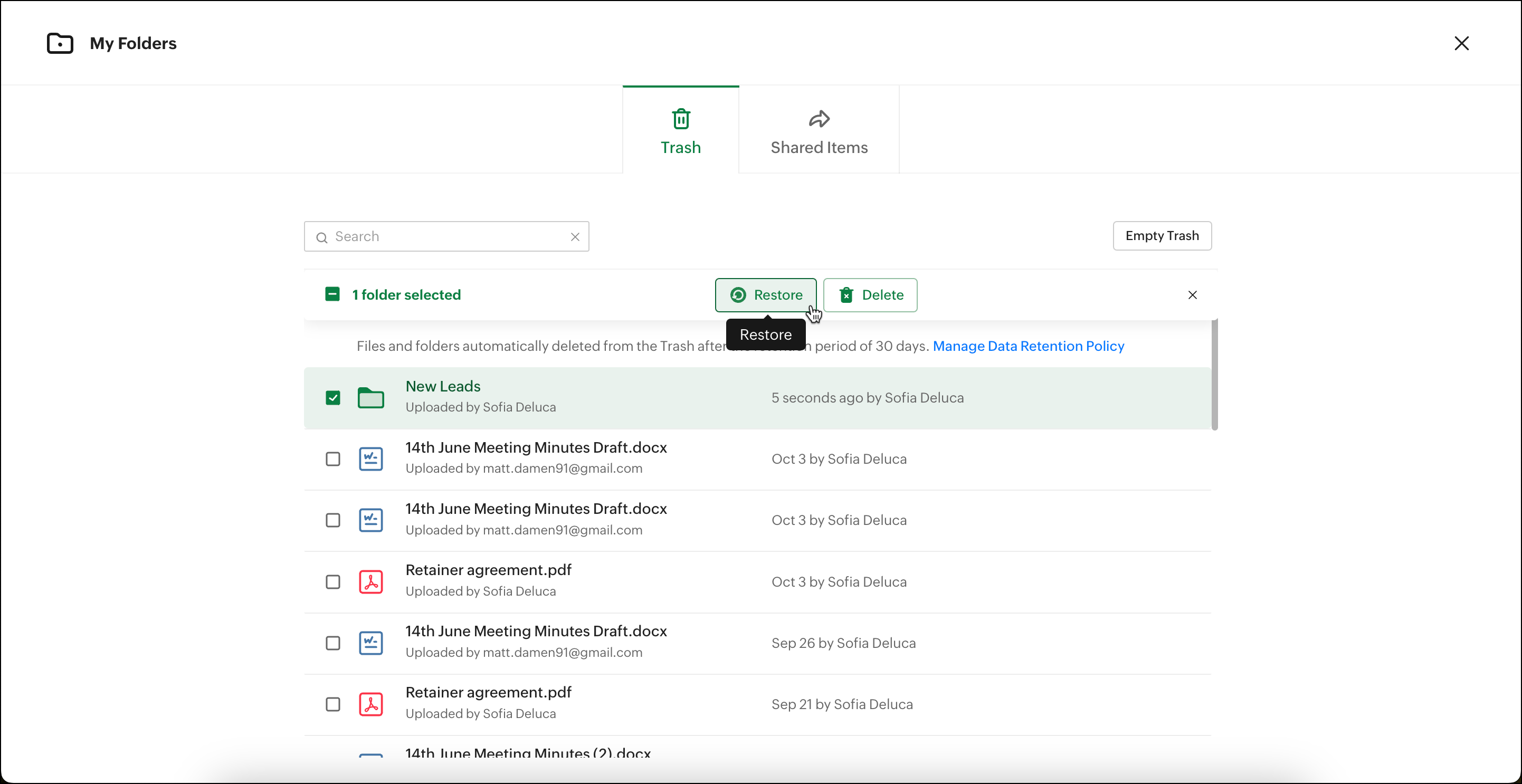
Select the file or folder you want to restore and click the Restore button at the top of the trash list. Alternatively, you can also hover over the file or folder and click Restore.