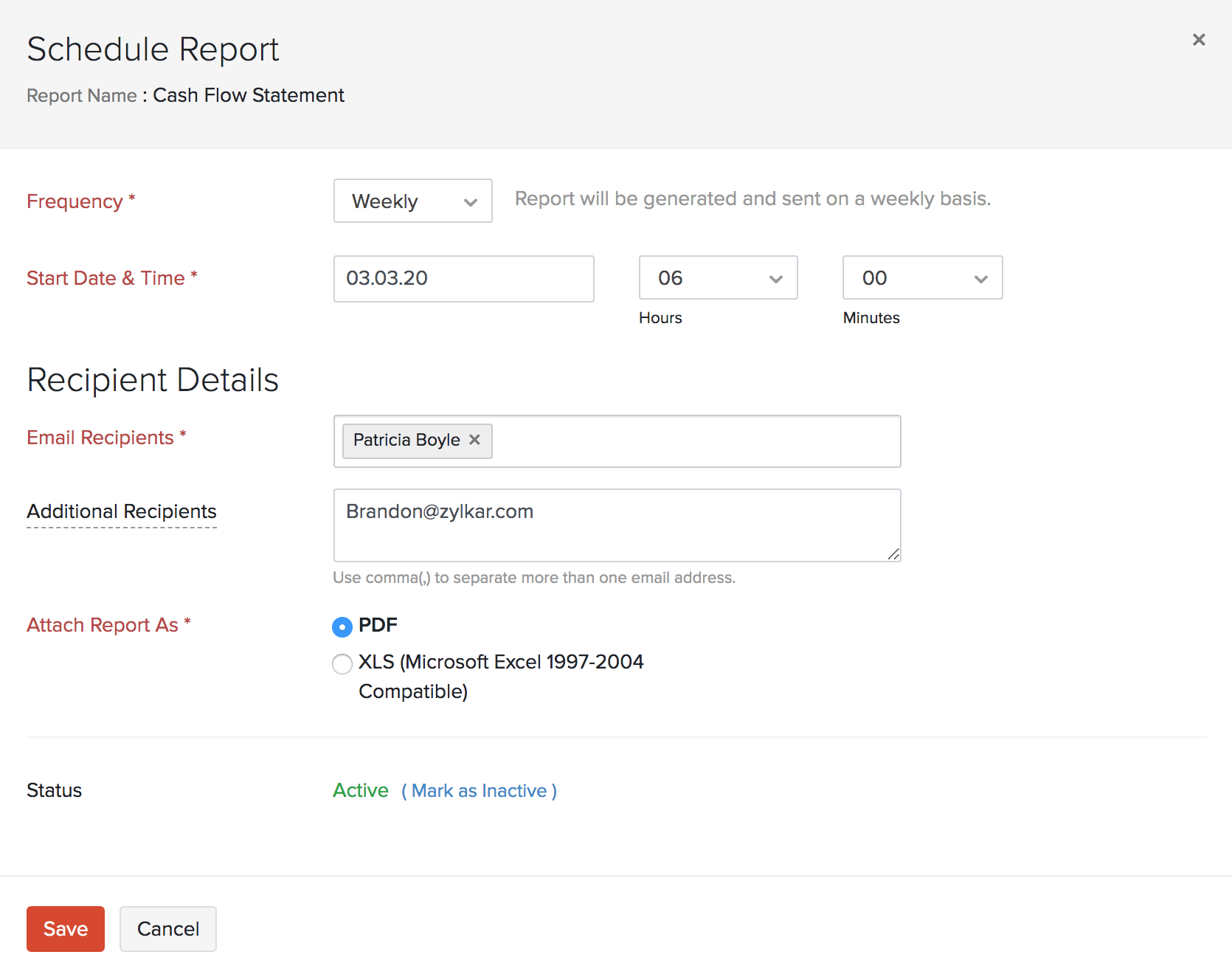
You can schedule your reports to be sent to your email address or other users in the organization. These reports will be sent in different time intervals at a specific time chosen by you.
Zoho Books allows you to schedule a report to be generated on a weekly, monthly, quarterly or yearly basis as per your preference. The generated report will then be sent to the email addresses of your choice.
Resolution
Note: The Schedule Report option is available only in certain reports. If you want the Schedule Report option in a report that does not have it, kindly reach out to us at support@acutedata.com.
Prerequisite: Only the admins and the users who have permission to schedule reports can schedule reports.
To schedule a report:
Go to Reports and select the report which you wish to be generated based on a schedule.
Click the Schedule Report option at the top next to the Print icon.
Select the criteria based on which you wish to schedule the report.
Click Save.
The report will be automatically sent to your email at the specified time and interval.