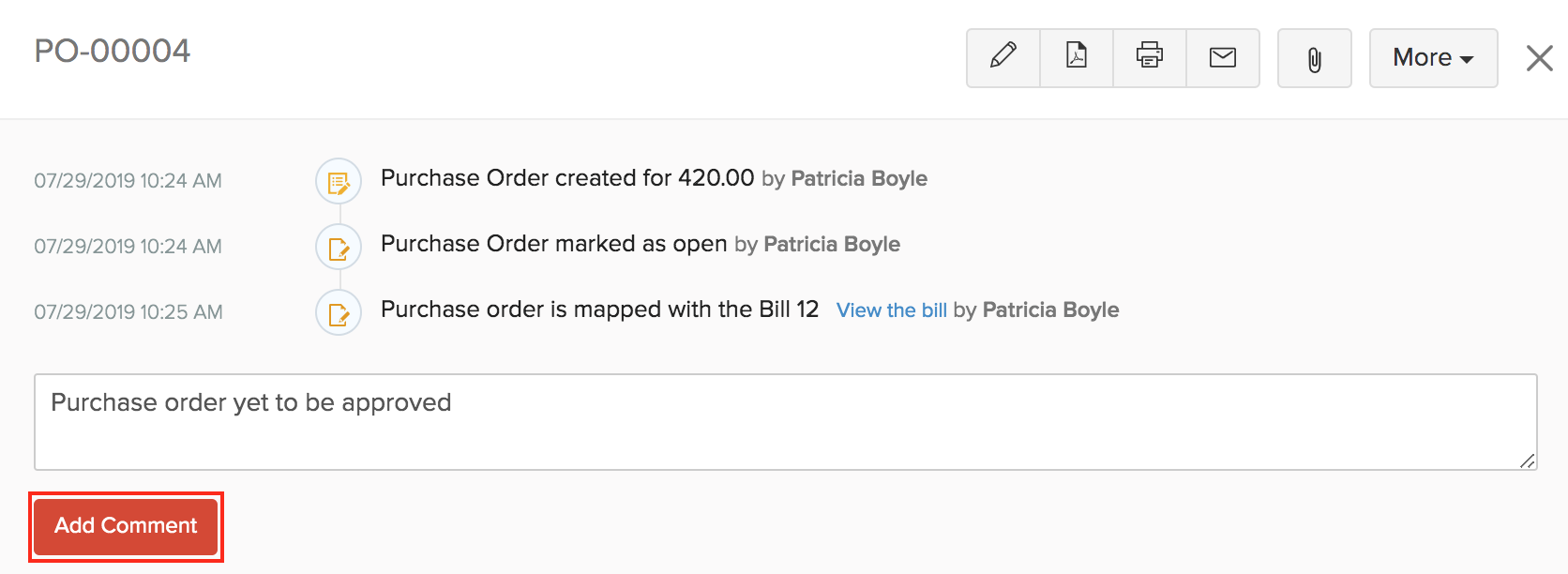
How to Add Comments on a Purchase Order in Zoho Books ResolutionYou can add a comments to Purchase Order in Zoho Books. The comments you enter cannot be viewed by your vendors.To add a comment:Go to Purchases > Purchase Orders.Select the purchase order for which you wish to add a comment.Click the Comments and History tab.Click + Add Comment option below the history.Type in your comment.Click Add Comment. Zoho Books Request Support