How to Convert a Purchase Order to a Bill in Zoho Books
This article will show you how to Convert a Purchase Order to a Bill in Zoho Books.
Resolution
Scenario: Patricia creates a purchase order with all the items she requires and sends it to Bailey, her vendor. Bailey accepts the purchase order and send all the items to Patricia along with a bill. Patricia will have to record this bill into Zoho Books. Instead of creating a new one, she converts the purchase order that she had already recorded for Bailey to a bill in Zoho books.
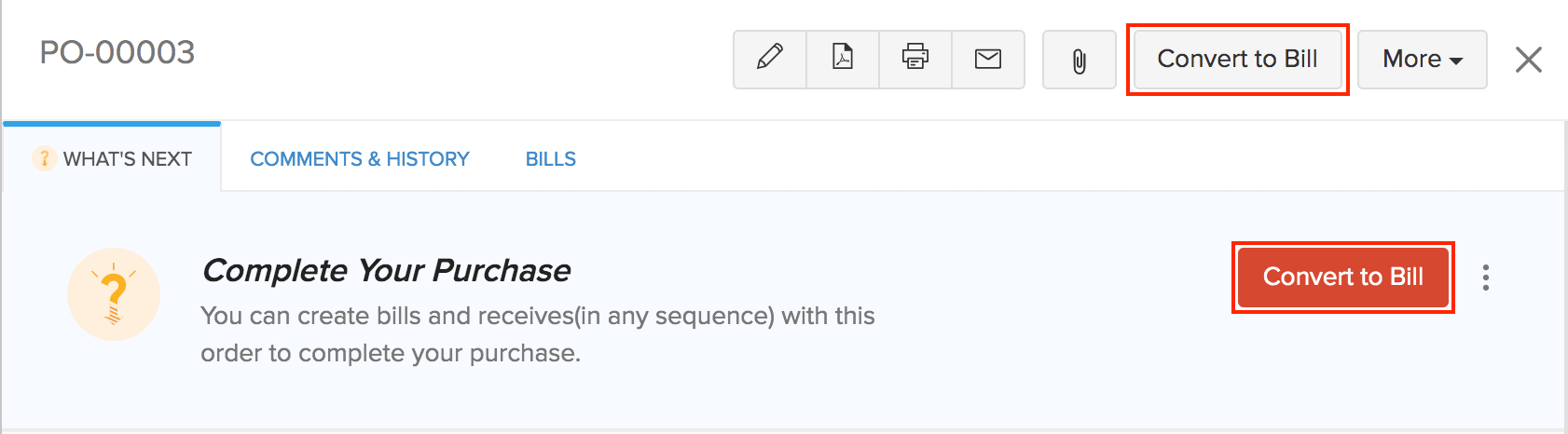
To convert a Purchase Order to a Bill:
Go to Purchases > Purchase Order.
Select the purchase order that you wish to convert to a bill.
Click the Convert to Bill button in the top right corner of the page.
In the New Bill page, enter the required details and save it.