Custom Apps for Zoho WorkDrive
Build bridges between your application
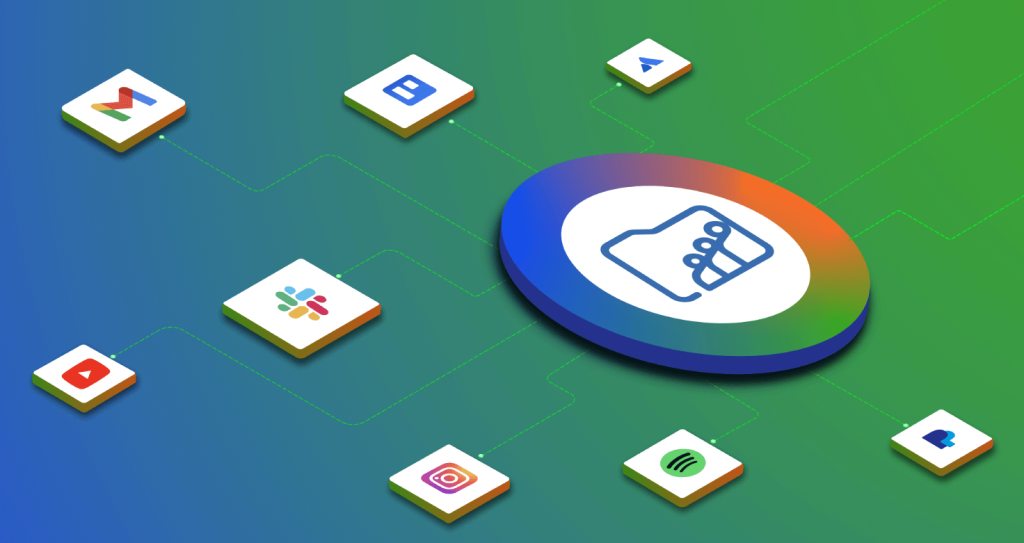
Connect WorkDrive with any other application using webhooks. Minimize context switching, reduce the number of apps you use, and simplify the way you manage your business data with custom apps.
What are Custom Apps?
Custom apps use webhooks to automatically notify an external app (via the URL you specify) whenever a particular event (trigger), such as a file upload or modification, takes place in a specified WorkDrive folder (sender).
Connect WorkDrive with any other application using webhooks.
Connect with any Application with Webhooks
Minimize Context Switching
Reduce the number of apps you use
Simplify the way you manage your business data
What is a Webhook?
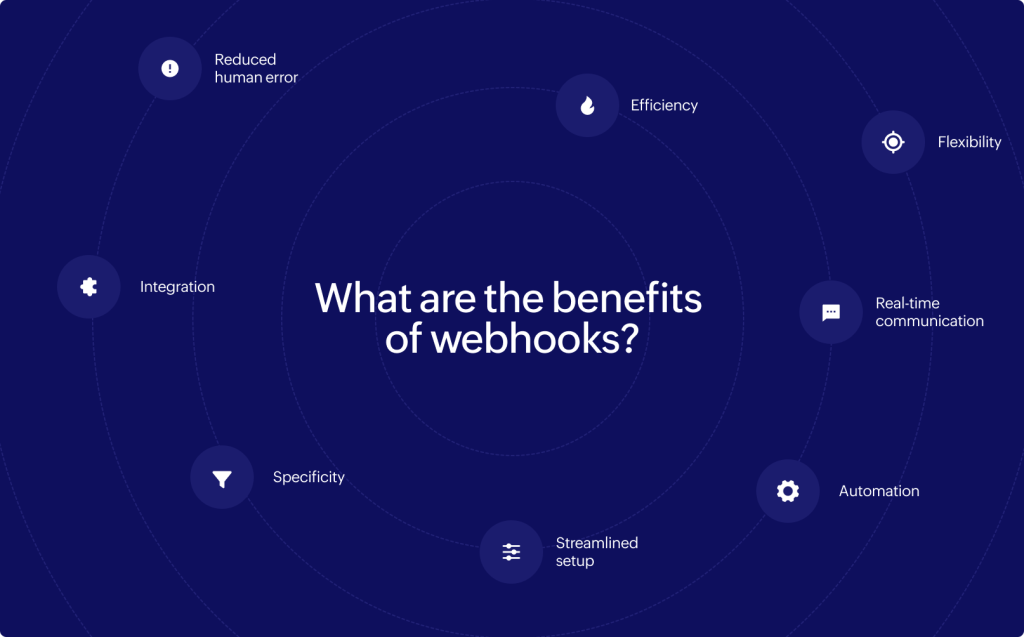
Webhooks are a one-way communication technology that facilitates the exchange of real-time information by automatically delivering notifications between applications, eliminating the need to request or wait for information.
Webhooks allow you to automate workflows by connecting two different applications.
Learn how to create a custom app.
You can create a custom app from WorkDrive's admin console and configure corresponding webhooks within it.
Benefits of Custom Apps
- Custom apps is low-code solution. Companies can connect their applications and streamline information flow without the need for complicated code.
- Webhooks allow direct, real-time connection betweeen you applications.
- Have immediate event notifications.
- Have a non-persistent connection between applications.