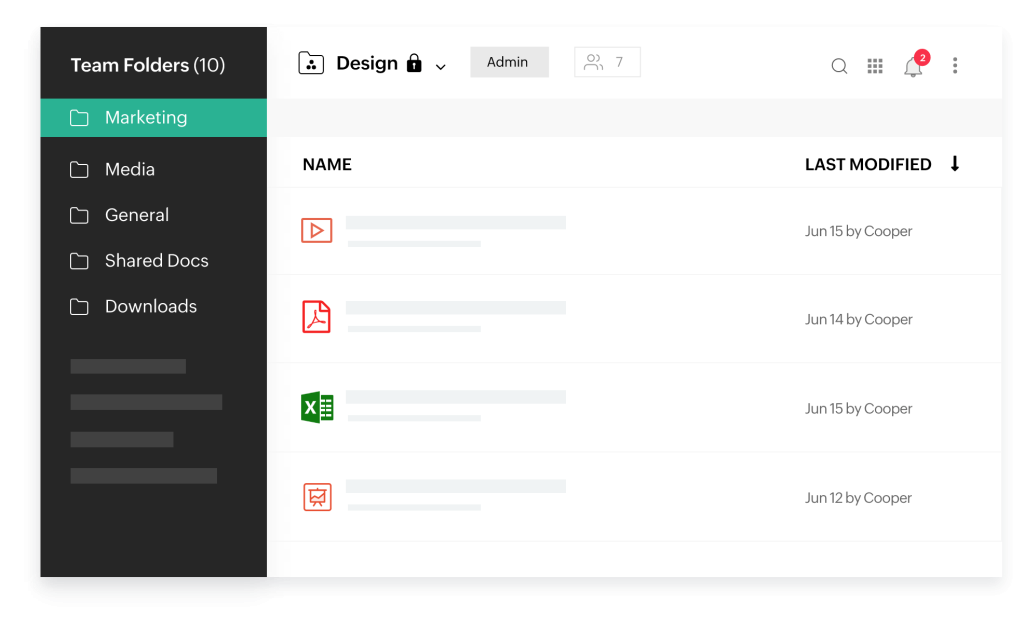
When uploading a file to the web app, WorkDrive notifies you when a new version of it is available. Choose to upload your local version as a top version, or continue with the new version saved in WorkDrive.
Start where you left off
Never worry about losing a work in progress again. Genie syncs live documents as you edit and all your changes are saved automatically, ensuring no effort is lost.
Work on your own terms
Access and edit your files at your own convenience. WorkDrive documents that you edit with Genie are saved to your local desktop storage, giving you time to work at your own pace.
Edit files in a snap
Reinvent the way you work and eliminate the need to switch between applications to edit a document or file stored in WorkDrive. Make changes right away with our quick editing tool within WorkDrive. You can modify and manage both large and small files using WorkDrive Genie.
Edit any kind of file—text, image, audio, video, CAD, or developer—in WorkDrive, as long as you have the compatible application installed on your computer. If you can modify it on your desktop, you can edit it in WorkDrive too.
Sync as you save
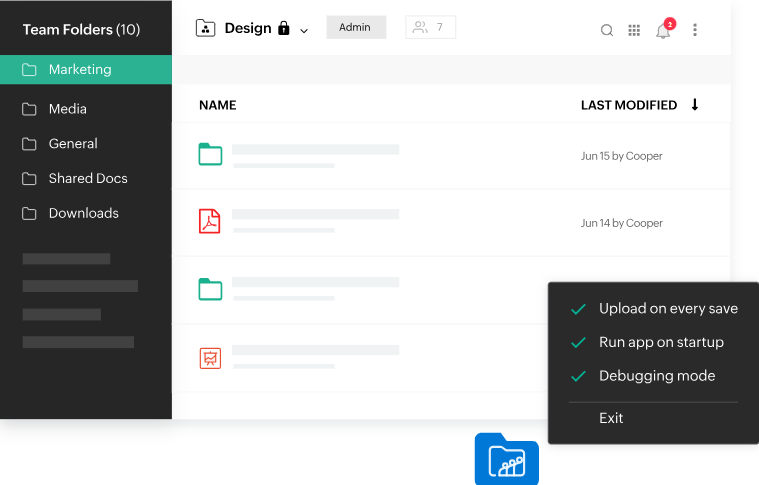
Automate the process of saving your local edits to the cloud. With Genie, you can set your changes to be automatically uploaded to WorkDrive every time you save a file from your desktop application.
Get work done faster
Save extra time – Genie has a default option to run automatically when your system starts, so you can get right to work.