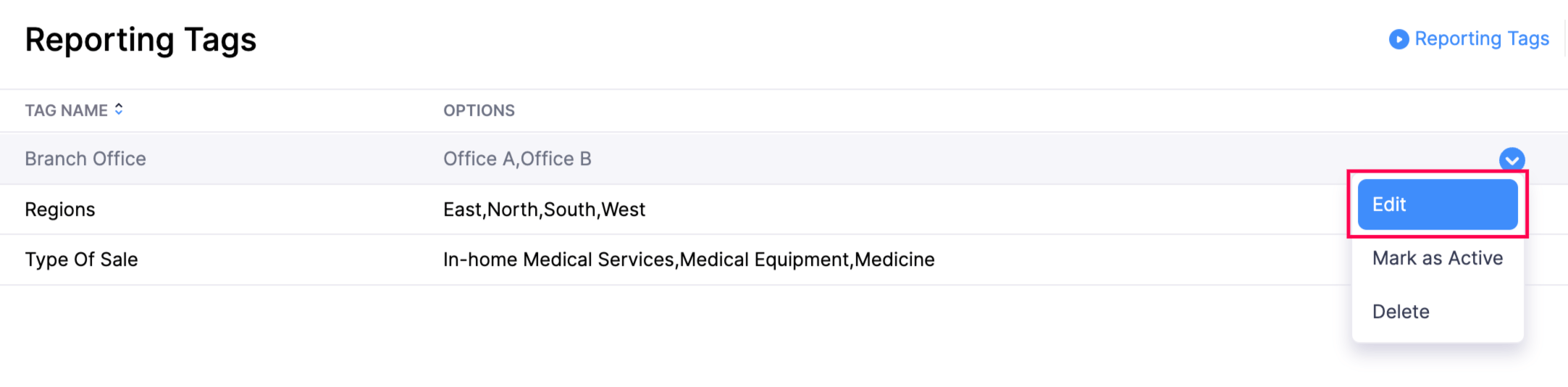
Edit Reporting Tags in Zoho Books Resolution Go to Settings in the top right corner of the page.Select Reporting Tags under Customization.Hover over the reporting tag, and click Edit from the dropdown to the right of the reporting tag. Make the necessary changes and click Save. Zoho Books Request Support