
Team Folders for Zoho WorkDrive
Work Together Seamlessly

Roles with responsibilities
- Moderate team activates. Add/Remove members, modify/organize files, and view team activates.
- View your team's work and include all your stakeholders.
- Get complete control as admin.
- Add role based permissions. Allow the team to review your work without losing your original content.

Get your team together
Start when you're ready
Begin by drafting your ideas using the Zoho Office Suite and then make them available to your team members to view and edit.
Room to spread out
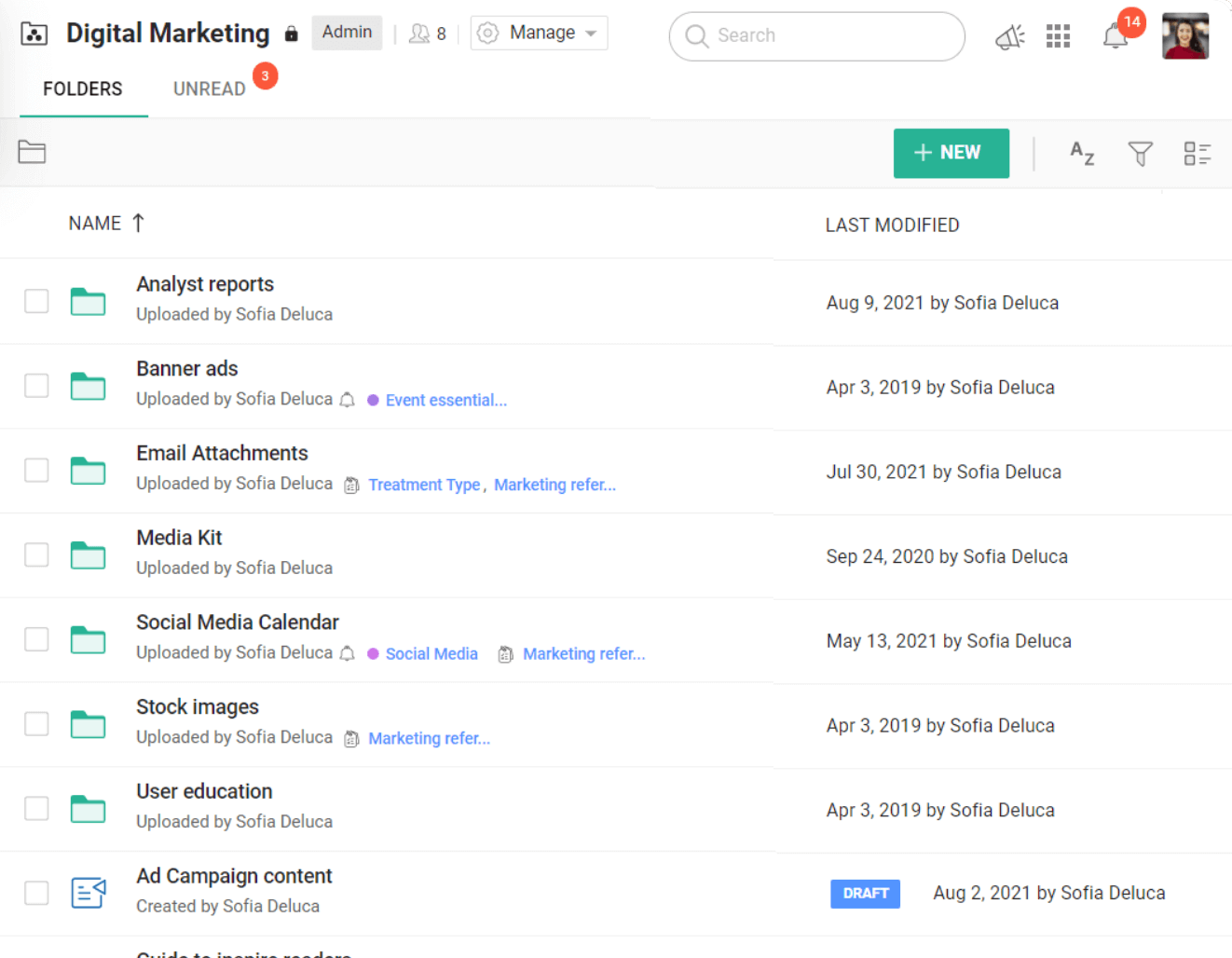
Keep all your team files in one place, organized under Team Folders for each project. Start with a team storage of 1 TB, and expand as your files grow.
Organize your files
Find your files easily in folders and sub-folders within each Team Folder. Locate any file in the system, with the file name, keywords, location, or file type.
See what's changed
Manage your workspace
Gain control over your Team Folders and improve visibility. As an admin, decide who can join and what activities are allowed within a Team Folder.
Go public or stay private
Share as much as you like. Choose whether to make your Team Folder public or private based who can access the folder.
Have complete control
Restrict viewer downloads, disable external file sharing, and choose to convert all files uploaded to the WorkDrive format.
Restore files at any time
Accidentally deleted an important file or want to reconsider a trashed idea? With WorkDrive, you can restore them to their respective folders in a single click.
View the details
Know the who, what, and when of everything happening in your Team Folder. View detailed updates about Team Folder activities.
Know who shared what and with whom
Data administration is a collective process and everybody has a role to play. Admins and Organizers can filter, view, share, and manage all shared items in a Team Folder from a single place.