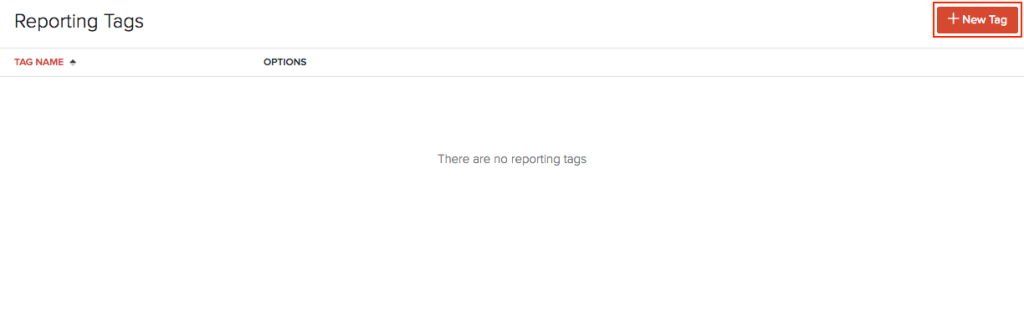
You can create reporting tags with as many options as you want based on your business needs. To create reporting tags:
Go to Settings on the top right corner of the page.
Select Reporting Tags under Customization.
Click + New Tag in the top right corner.
Enter a Tag Name and provide the Options.
Add more options by clicking + Add Another Option or delete an option by clicking the Trash Icon.
Click Save.
Note: You can create a maximum of 10 reporting tags and each reporting tag can have a maximum of 500 options.
If you no longer wish to use a reporting tag, you can delete it or mark it as inactive. Tags that have been associated already, cannot be deleted. To do this:
Go to Settings on the top right corner of the page.
Select Reporting Tags under Customization.
Hover on a particular tag to Edit, Mark as Inactive or Delete it.
Mark only a few options as inactive in a reporting tag by unmarking the box near an option in the edit page.