Effortlessly manage employees’ apps, devices, data, and security—no matter where they are—in one unified system.
App and Identity management
Device management
Inventory management
App and Identity Management
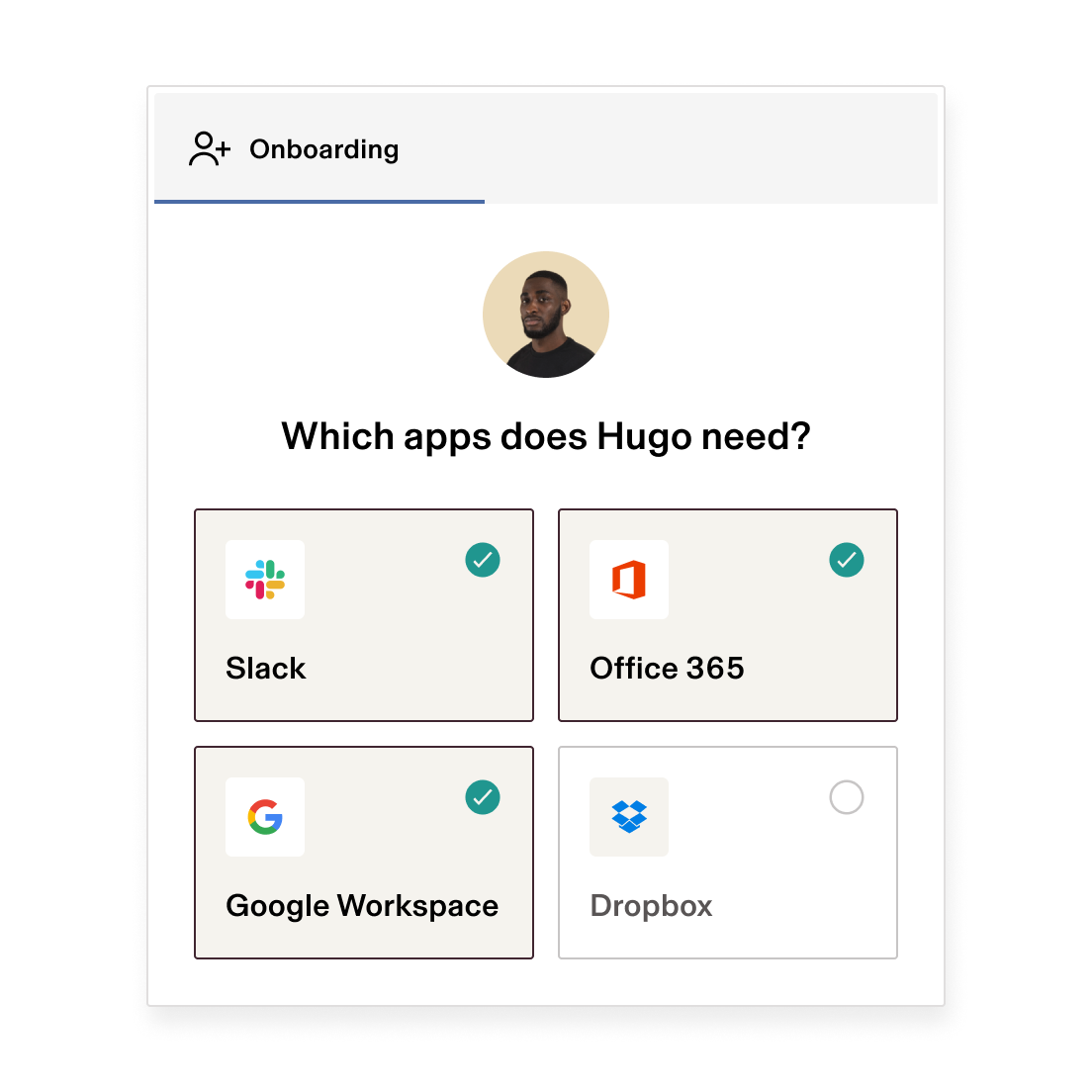
Automatically add new employees to every app they need, based on role, department, and more, so they’re ready to work on day one. Revoke their access to all of your company’s applications when you offboard employees.
Store, ship, set up, and manage employee computers—100% remotely.
Buy or reassign devices
Order new Macs and PCs or reassign devices to new employees with just a few clicks.
Set up & deploy
Configure devices with the right apps and settings so that everything just works.
Secure & manage
Manage your entire fleet from a single dashboard—OS updates, threat detection, and more.
Store & ship
Keep devices stored at an offsite warehouse so that they’re ready to ship to new employees.
Decommission & retrieve
Lock or wipe devices, then send return boxes and shipping labels to remote employees.
Manage Passwords
RPass—Rippling’s built-in team password manager—allows employees to securely store and share their login credentials for any app or website, as well as:
Generate strong passwords and store them
Auto-fill passwords on apps and websites
Securely share credentials and 2FA codes
Instantly disable access when offboarding
Workflow Templates
Choose from hundreds of pre-built workflow templates and install one in seconds. You can use our templates out of the box or tweak them to meet your exact needs.