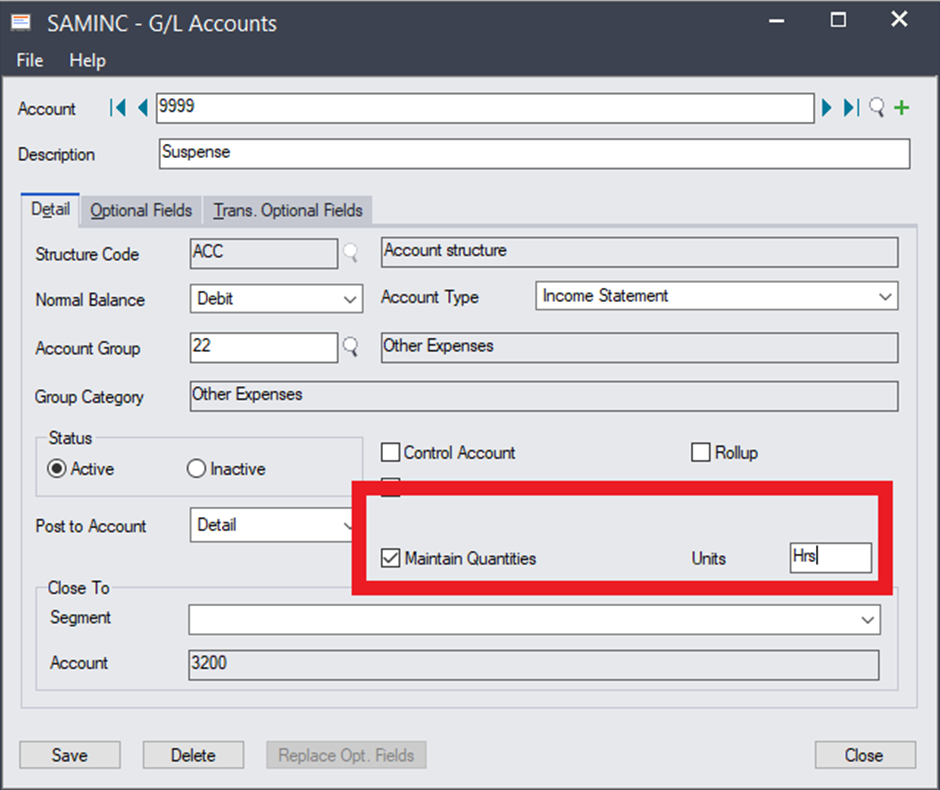
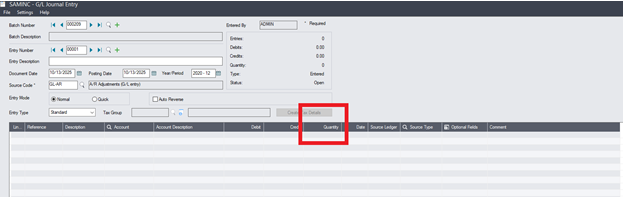
How to capture Non-Financial Data in the Sage 300 General Ledger Resolution Activate Maintain Quantities for the GL AccountGo to General Ledger / GL Accounts / AccountsSelect General Ledger AccountCheckmark Maintain Quantities and insert Units (Unit of Measure) To enter the value, it would be done by Journal EntryGo to General Ledger / GL Transactions / Journal EntryEnter Quantity Sage 300 Request Support