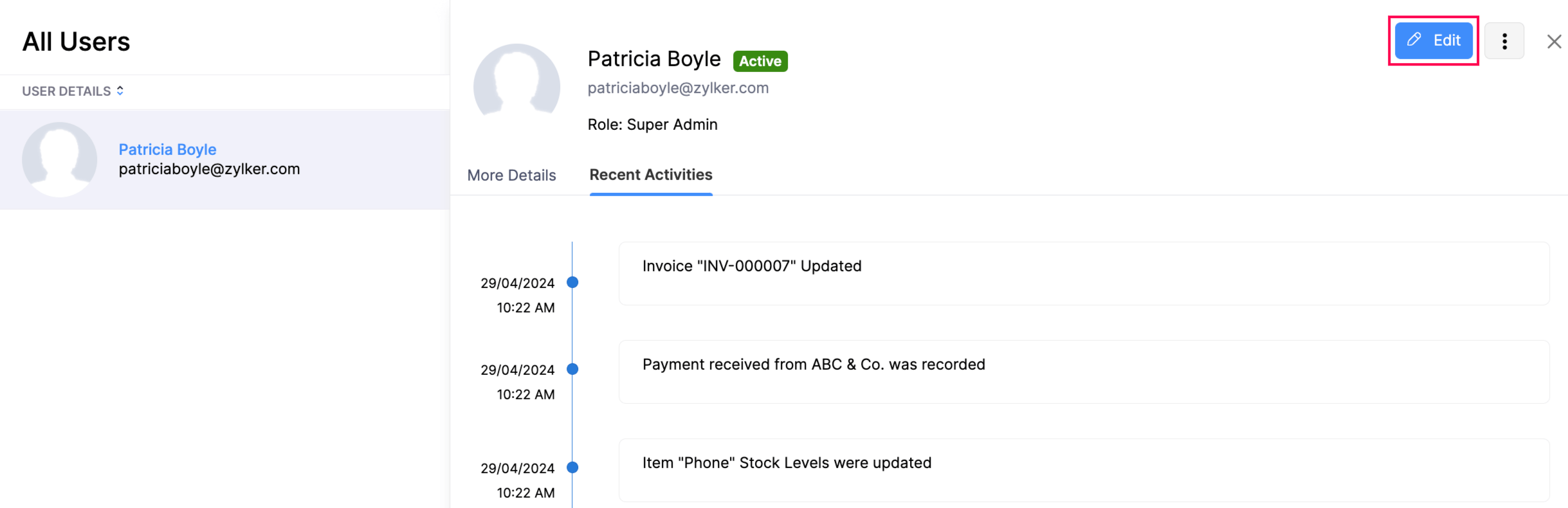
How to edit a user in Zoho Books Resolution After you have added a new user, you can edit their data if required. Here’s how:Go to Settings in the top right corner of the page.Select Users under Users & Roles.Click Edit.Make the required changes and click Save. Note: Only users with Admin access can edit user information. Zoho Books Request Support