

Choose when limits should be applied
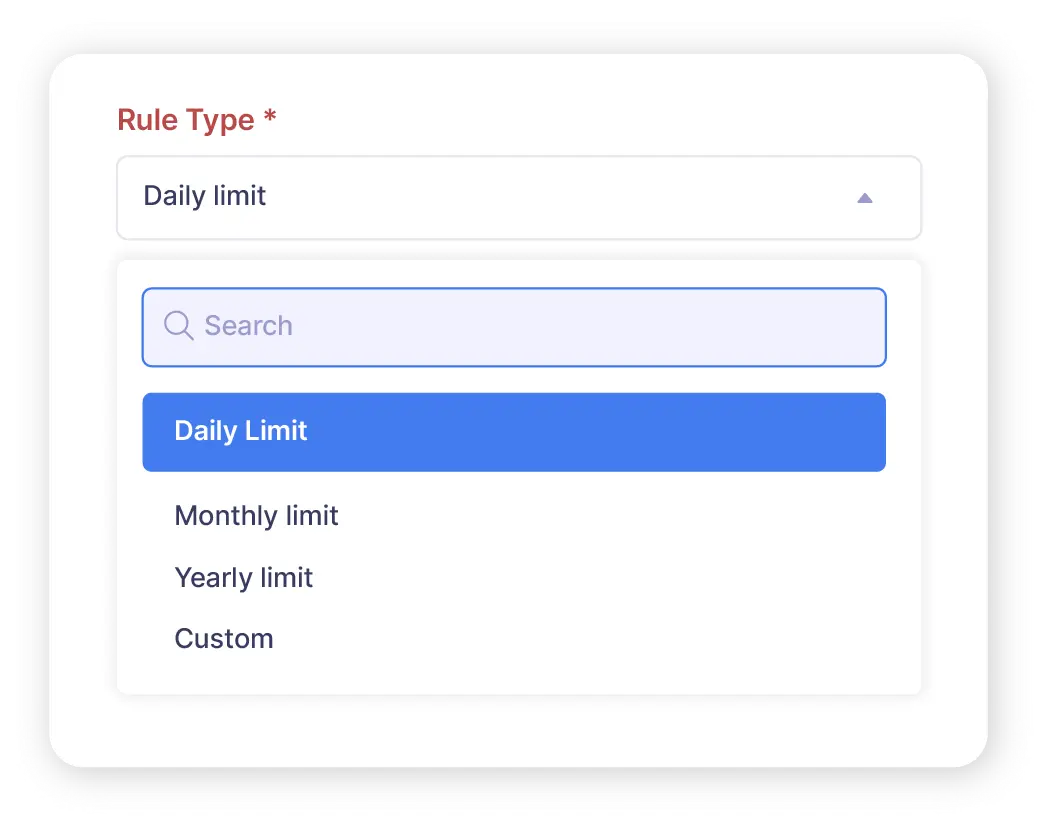
Zoho Expense lets you create daily, monthly, and yearly expense limits. Apart from these, you can also create limits for custom frequencies according to your requirements.
Apply limits for different scenarios
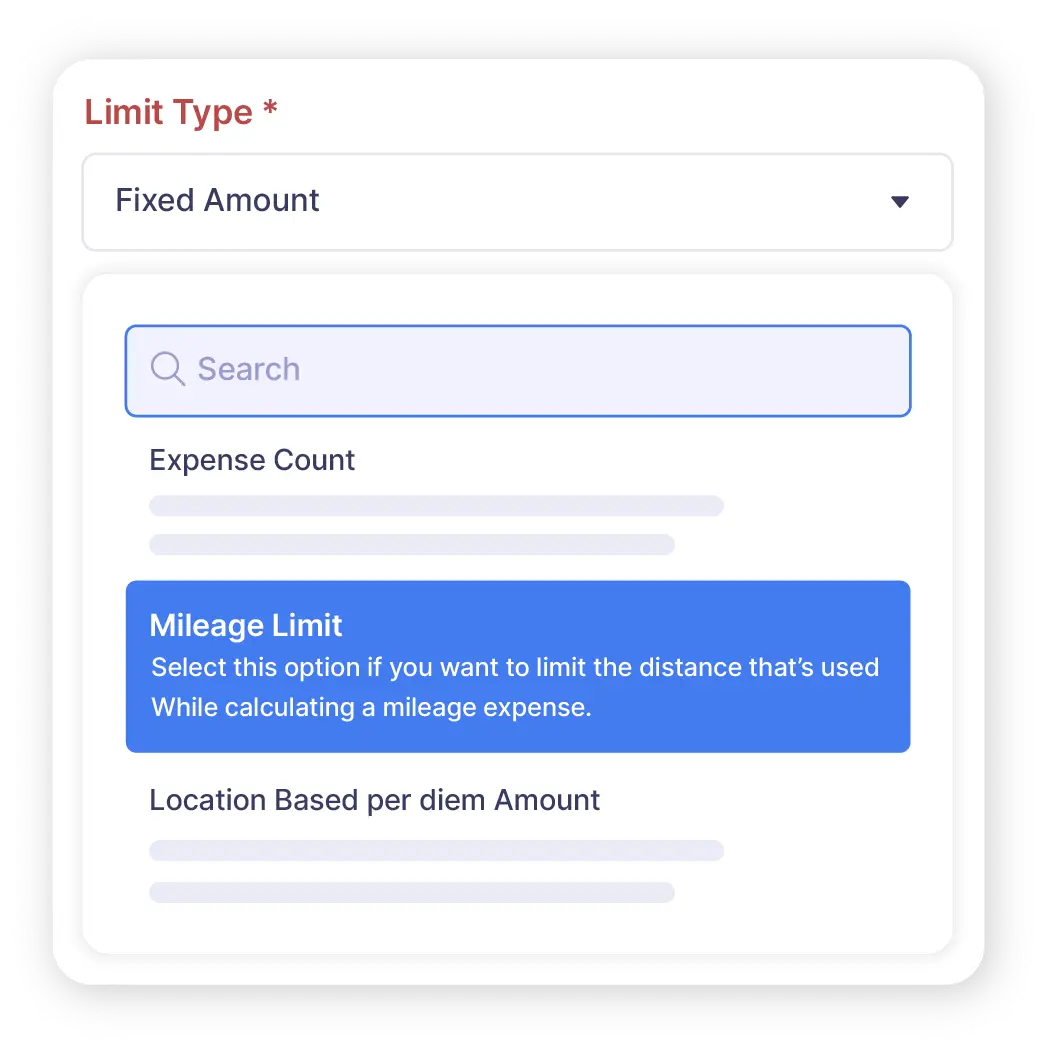
Set up limits based on fixed amounts, number of items expensed, and mileage limit. You can also set per diem amounts based on location or expense type.

Apply limits to categories or types
You can choose to apply the limits to all expense categories or types, or select the ones for which the limit needs to be applied.


Warn or restrict employees
When a particular expense limit is exceeded, you can either choose to warn the employee about it when they try to submit more expenses, or restrict them from submitting more claims altogether.
