Customization for Zoho Expense
Customize every element of your expense management
Use lookup fields to map data
Take advantage of lookup fields to import records from modules in other applications. You can then associate them with specific expenses or trips.
Add web tabs for easier access
Add third-party web apps or websites to Zoho Expense and access them without having to switch tabs.
Create custom components for every need
Custom Roles
Create custom roles with different permissions apart from the pre-defined roles.
Custom Views
Set up your frequently used views for easier access.
Custom Modules
Create custom modules that show the exact data you need for your business.
Custom Buttons
Design buttons and set them up to perform specific actions when clicked.
Custom Links
Create links to access third-party URLs and add more context to the data you have in Zoho Expense.
Custom Schedulers
Create cutsom schedulers to perform frequent or recurring tasks automatically.
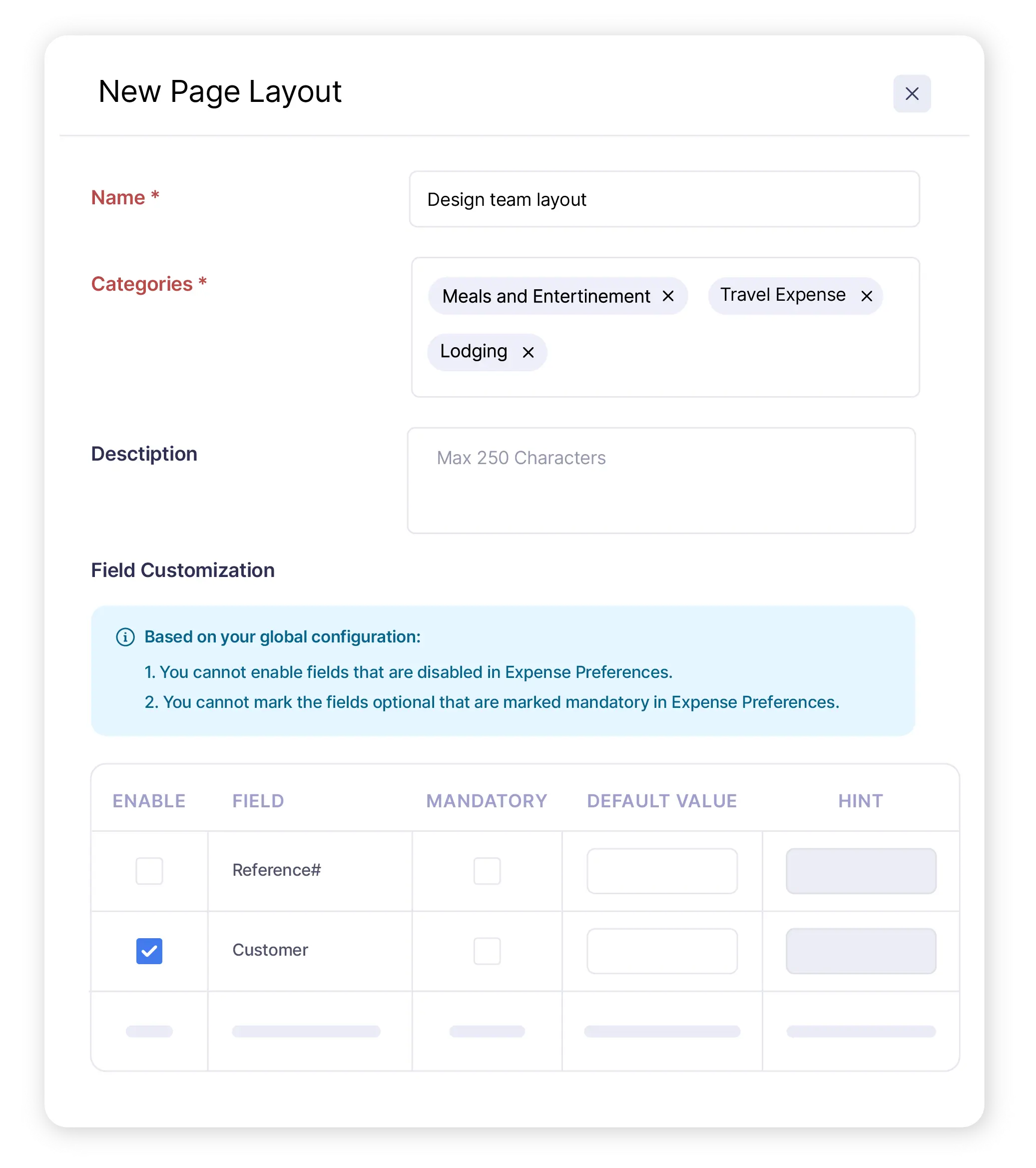
Customize creation forms
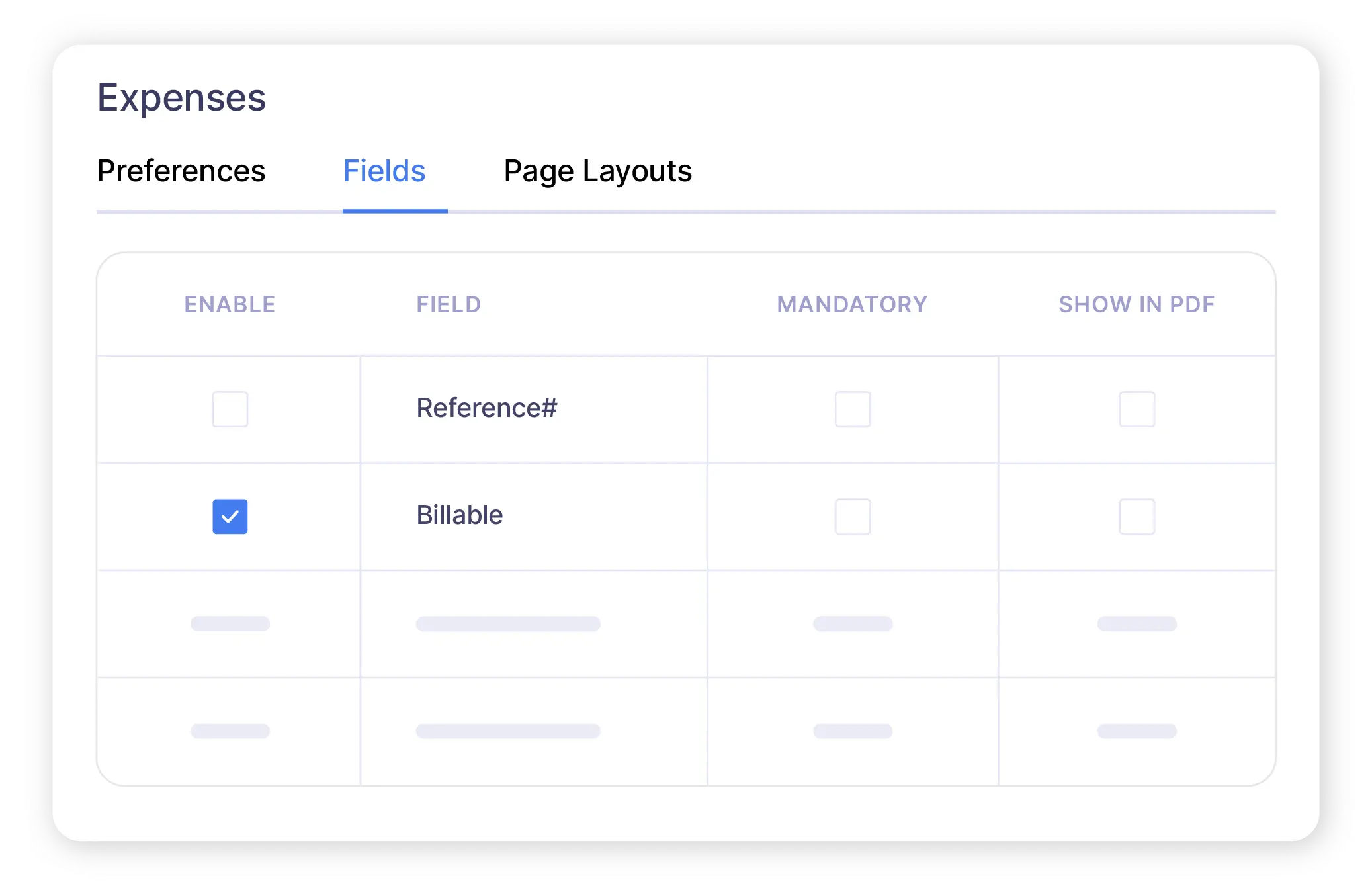
Add additional fields
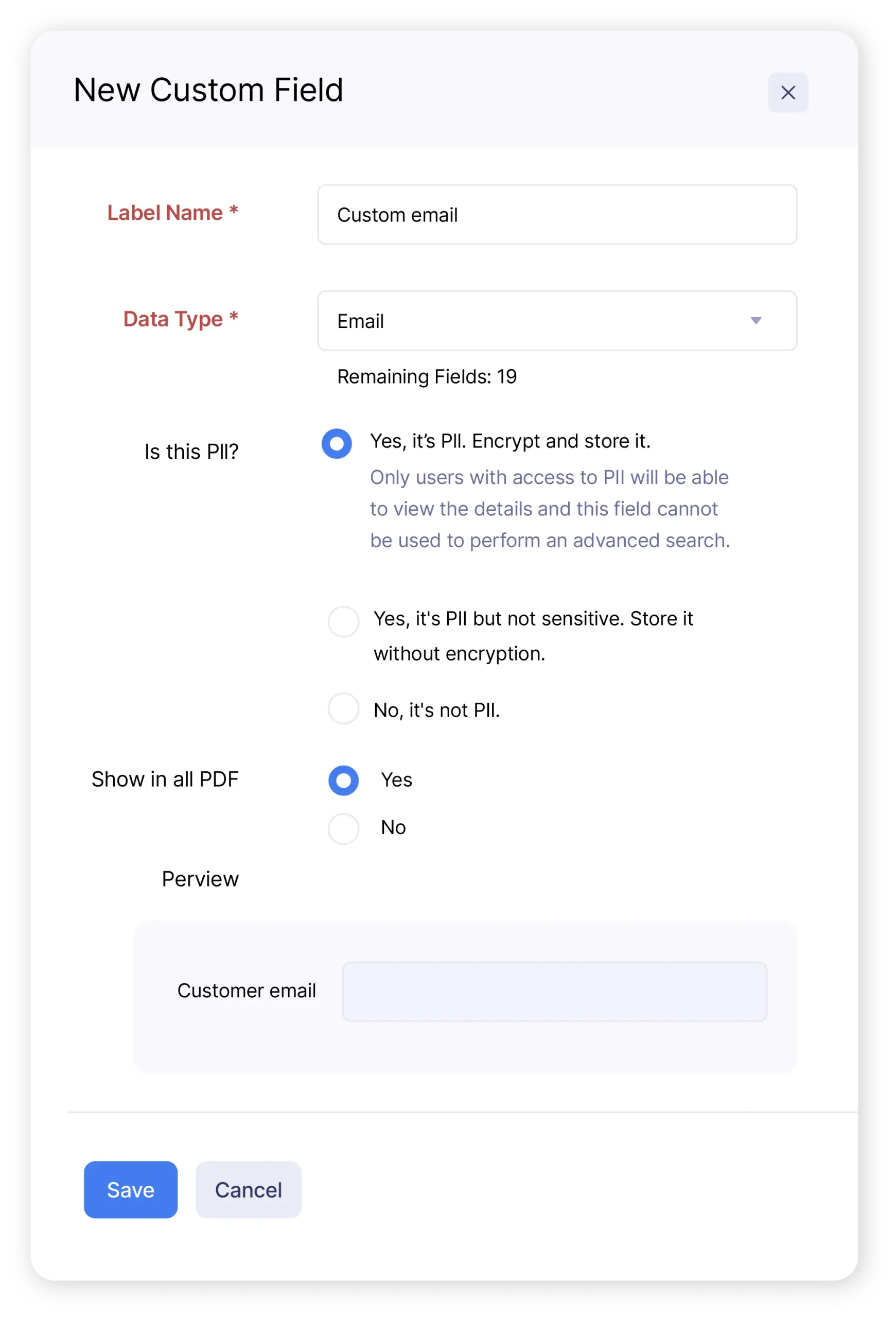
Choose what employees see