Reconcile bank and credit card statements with ease. Our intelligent matching algorithm lets you precisely identify and match transactions between your bank statement and accounting records.
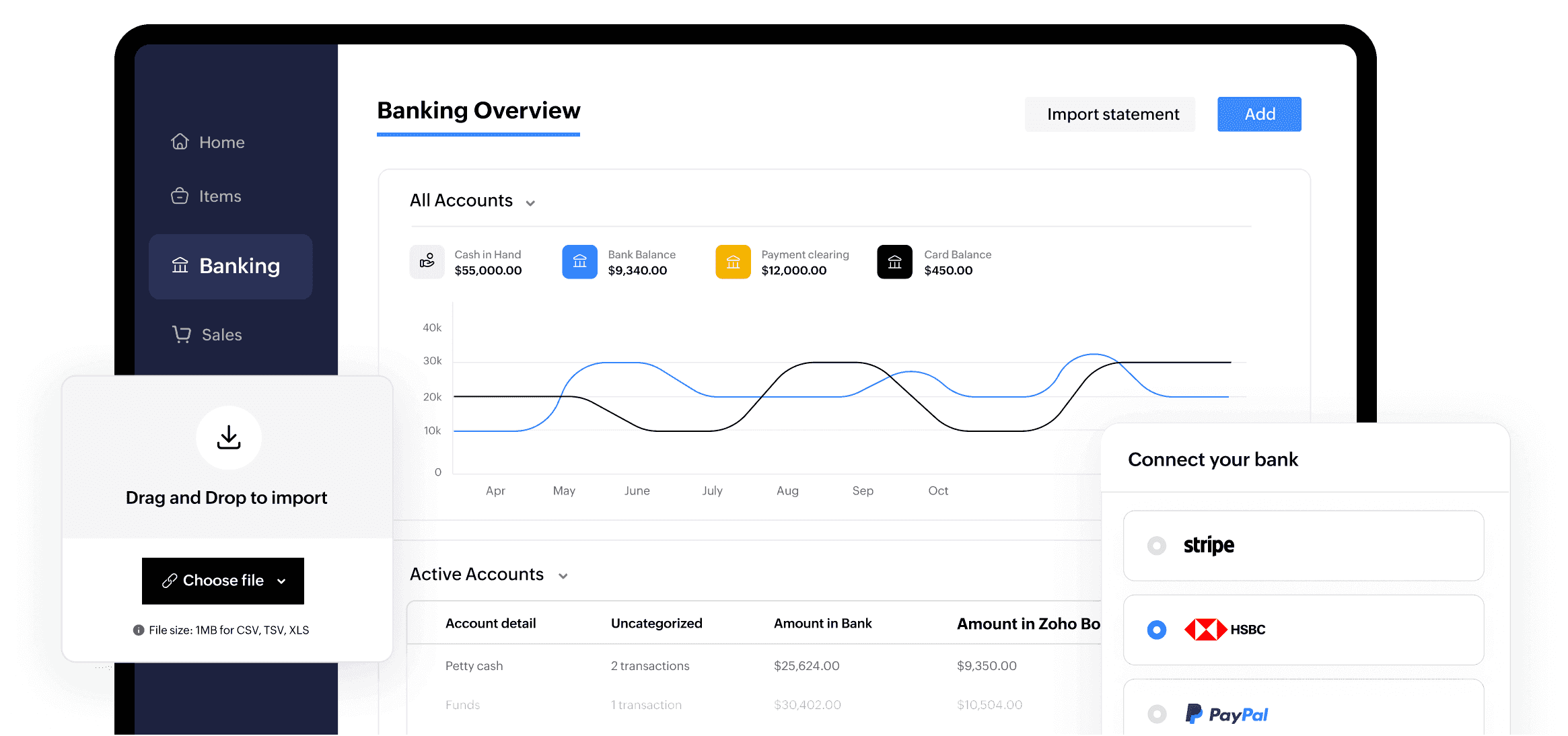
See your overall banking and financial picture at a glance
Monitor current cash on hand, balances across accounts (banks and credit cards), uncategorized transactions, matched entries between your bank statement and Zoho Books—all in one place!
Connect banks and Automatically fetch bank feeds
Securely connect multiple bank and credit cards to automatically fetch bank statements periodically through third party partners/providers
Auto-forward bank statements from your email inbox
Bring your periodic bank statements from the email inbox into Zoho Books directly, for effortless reconciliation.
Import bank feeds manually
Easily populate bank transactions in Zoho Books by manually importing statements in CSV, TSV, XLS, OFX, QIF, and CAMT.053 formats.
Expedite transaction matching
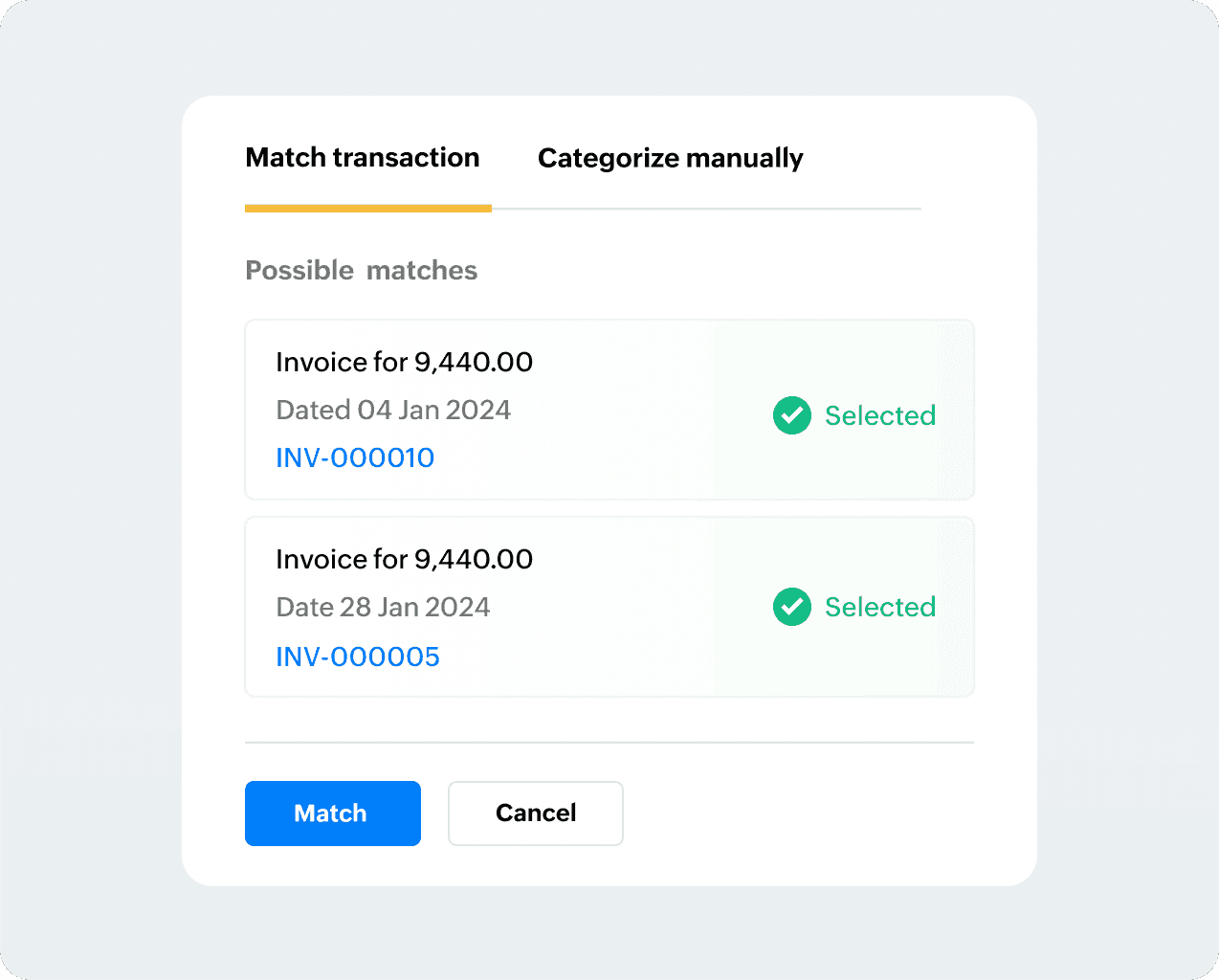
Zoho Books identifies the best matches and other possible matches for your transactions, making the matching process a breeze.
The banking module’s intelligent algorithm instantly fetches you the ‘best match’ and other ‘possible matches’ for every bank statement as available from your Zoho Books transactions, saving you valuable time
Match in bulk
With thousands of transactions to manage, bulk actions make it easier to select, categorize, delete, and restore multiple items.
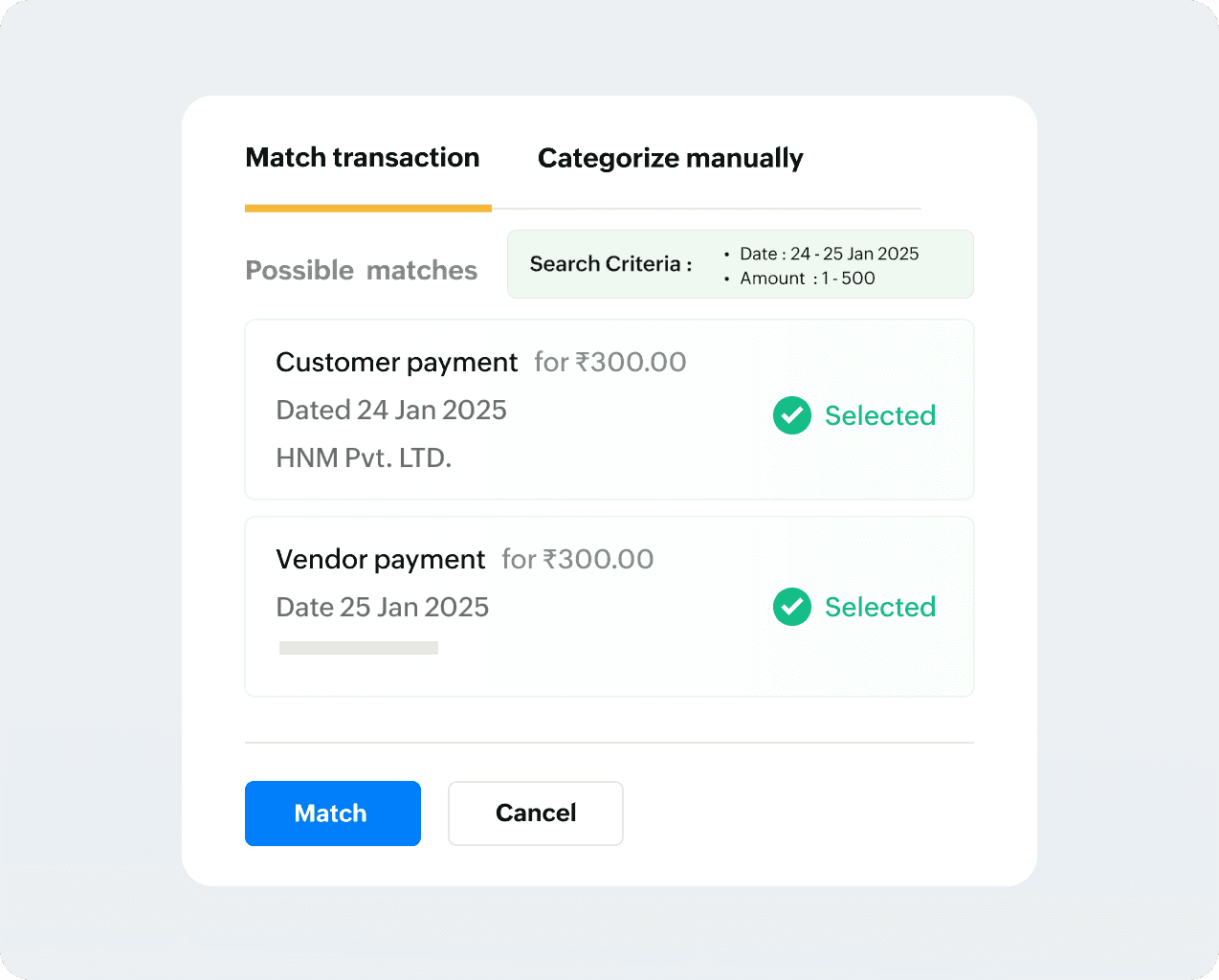
Match deposits and withdrawals
Do you have customers who are also vendors? Easily match a single bank payment that offsets both an incoming customer payment and an outgoing vendor payment—no manual adjustments or workarounds!